Coming soonYour AI agent can attend meetings for you. See how →

AI Ad Generator
Create Video Ads from a Prompt with AI
Flonnect's AI ad generator turns a prompt, a few product photos or your website into a video ad. You approve the story before it renders, your brand kit is applied, and you can generate several hooks to test.
Edit by prompt
Just ask. The AI does the editing.
Type what you want in the editor's AI chat. The agent picks the right tool, applies it to your timeline, and you can undo or keep refining in plain words.
Tools the agent can use
- Create with AI
- Hook variants
- Brand kit
- Generate assets
- Voice studio
- Smart captions
Create a product ad from this photo for Instagram.
Create with AI — Product video type, story first
Change the opening line to lead with the discount.
Story approval — line rewritten before anything renders
Make three versions with different hooks.
Hook variants — A/B-ready cuts
Generate Video Ads from a Prompt

AI Written Ad Scripts
The AI writes the ad story and script from your prompt. Edit any line before it renders.

Your Brand Kit, Applied
Your logo, accent colour, font and music are added to the ads you generate.

Resize for Each Placement
Ads render in 16:9. Auto reframe crops them to vertical, square or any other ratio.

Hook Variants
Generate several opening hooks for the same ad so you have versions to test on your ad platform.
AI Ad Creation Without a Production Team
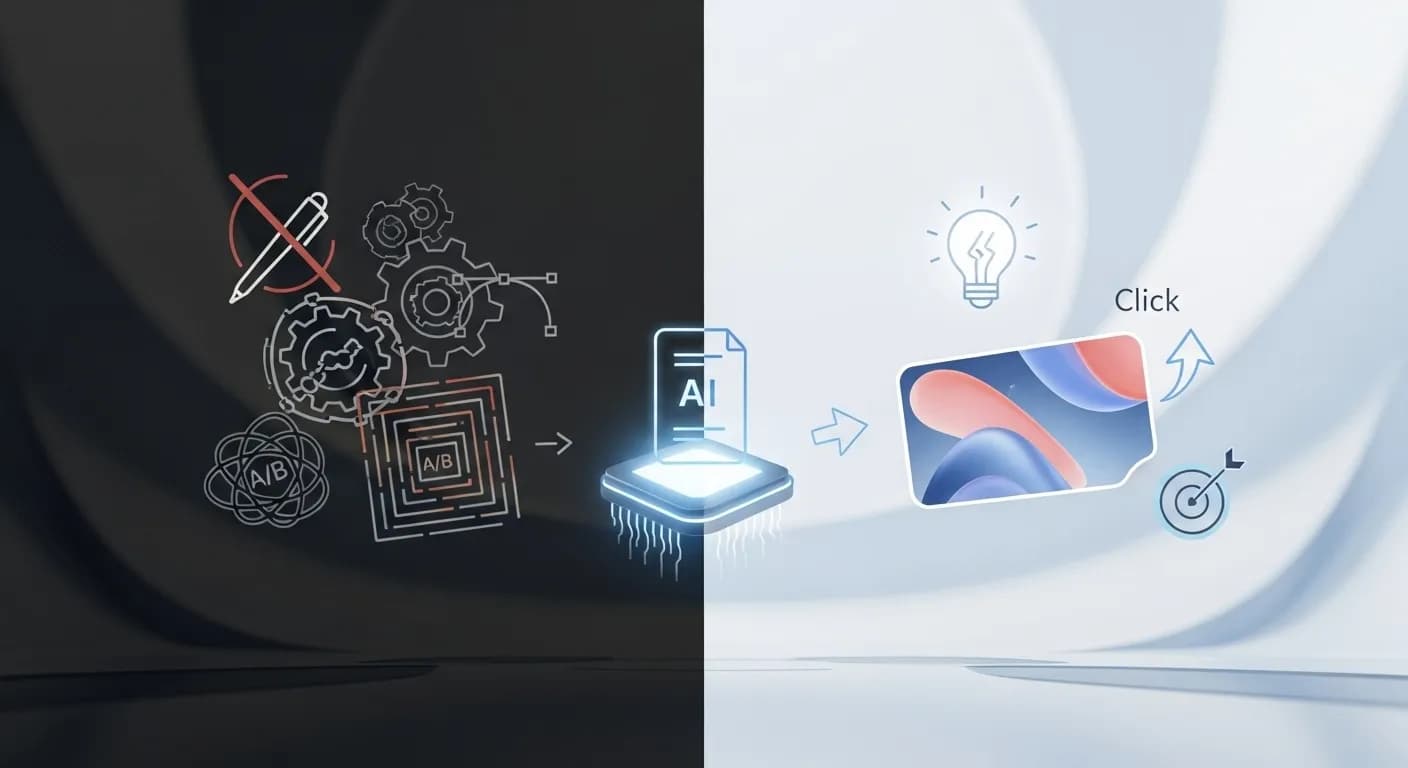
Making an ad usually means writing copy, finding visuals, editing and exporting several sizes. With Flonnect you pick a video type, describe the ad and add up to four reference photos, your website or up to three of your own clips. The AI may ask a few questions, writes the story for you to approve and renders the ad with your brand kit. It then opens in the editor for any changes.
Plan and Produce Ads with AI
Flonnect AI Ad Generator is for small businesses, marketers, online stores and agencies that need new ad creatives often and want the first draft done for them.

Write the brief: Choose Product, Brand film, Explainer or Text promo, then describe the ad and add your photos, website or clips.

Approve the story: Read the script and change any line, such as leading with a discount, before the ad renders.

Make versions: Generate hook and language variants, then reframe each one for the placements you use.
AI Ad Generation for Digital Marketers & Agencies
Marketers and agencies can produce ad drafts for several clients, each with its own branding.
- Keep a brand kit per client so logos, colours and fonts stay correct.
- Hook variants give each campaign several openings to test.
- Language variants and audio translation make versions for other markets.
AI Powered Ad Creation for E Commerce & Online Stores
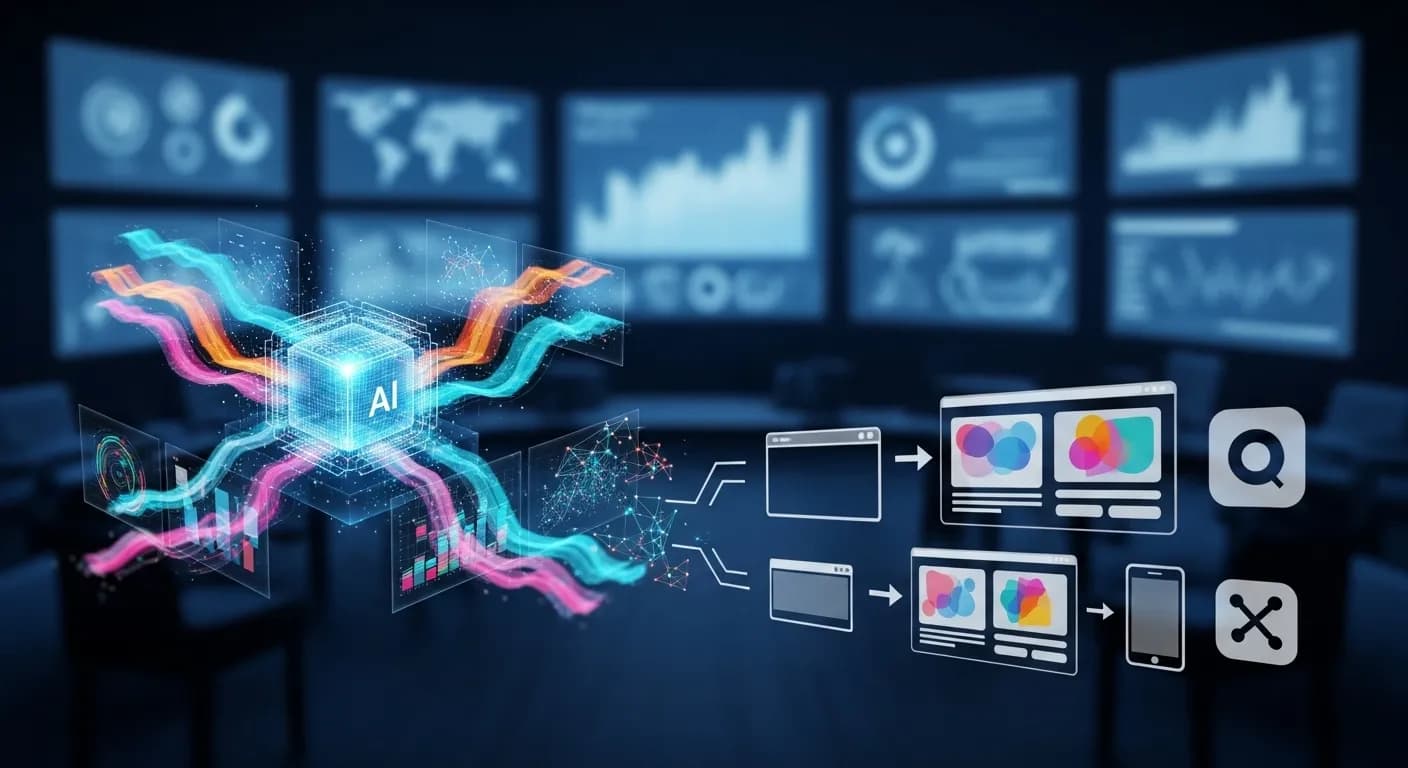
Online stores can turn product photos into product video ads.
- Add up to four product photos and your website as the starting point.
- The Product video type builds the story around your product and offer.
- Generate extra visuals, or remove a background with the background remover.
AI Ad Generator for Small Businesses & Startups
Small teams can make ads without hiring a designer or a video editor.
- Make video ads for social media and other online placements from one prompt.
- Your brand kit keeps every ad looking like your business.
- Change anything after rendering by typing what you want in the AI chat.
AI Ad Creation for Video Marketing & Social Media
Brands that advertise with video can draft, edit and resize their ads in one place.
- Crop ads to vertical for Instagram, TikTok and YouTube Shorts with auto reframe.
- Smart captions make ads easy to follow with the sound off.
- Add a voiceover with text-to-speech or a clone of your own voice.
Flonnect AI Ad Generator - Use AI to Create Video Ads
Flonnect’s AI ad generator helps businesses and marketers produce video ads without a production team. You describe the ad, the AI writes the story, and once you approve it the ad is rendered with your brand kit. The finished ad opens in Flonnect’s AI editor, where you can change anything before downloading it for Facebook, Instagram, LinkedIn, YouTube or any other channel where you run video ads.
An ad works when the message, the visuals and the audience line up. Start by choosing a video type: Product, Brand film, Explainer, Text promo, or let the AI decide. Then write a prompt that describes the offer, who it is for and the tone you want. The AI may ask clarifying questions before it writes the story, and you can edit any line before it renders.
Teams that advertise regularly need new creatives often. Instead of briefing a designer for every round, you can generate a new version from the same prompt, change the hook or swap the call to action by typing the change. Auto reframe crops the 16:9 render to vertical, square or other ratios for stories, feeds and Shorts.
Online stores can turn product photos into product videos. Add up to four photos and your website, and the AI builds the ad around them. You can generate extra images or clips with the AI model you choose, remove backgrounds and add a voiceover with text-to-speech or a cloned voice. Each version downloads as a video file ready to upload to the ad platforms you use.
Social ads need to look at home on each platform. Use auto reframe for Reels, Stories and TikTok, smart captions for people watching on mute, and the find short clips tool to cut short ads out of a longer product demo or webinar you already have.
Startups and small companies often can’t hire a designer, a copywriter and a video editor for every campaign. Flonnect lets a small team produce professional-looking ads without that overhead, and the brand kit keeps every ad consistent without any design work.
Agencies handling several clients can keep a separate brand kit for each one and turn around drafts quickly. Hook variants give each campaign several openings, and language variants or audio translation produce versions for other markets.
Flonnect makes the ads; it does not run them or report on how they perform. Upload your hook variants to your ad platform as separate versions, see which one works, then come back and make more like it.
Flonnect AI Ad Generator takes the production work out of making ads, whether the goal is brand awareness, leads or a product promotion. You keep control of the story, the branding and every edit, and you end up with finished video files ready to upload.
One AI Ad Generator, Every Version You Need
Create, edit and share AI generated video ads in one place
No credit card required • Free forever plan available