Coming soonYour AI agent can attend meetings for you. See how →

AI Background Remover
Remove Image Backgrounds with AI, No Manual Tracing
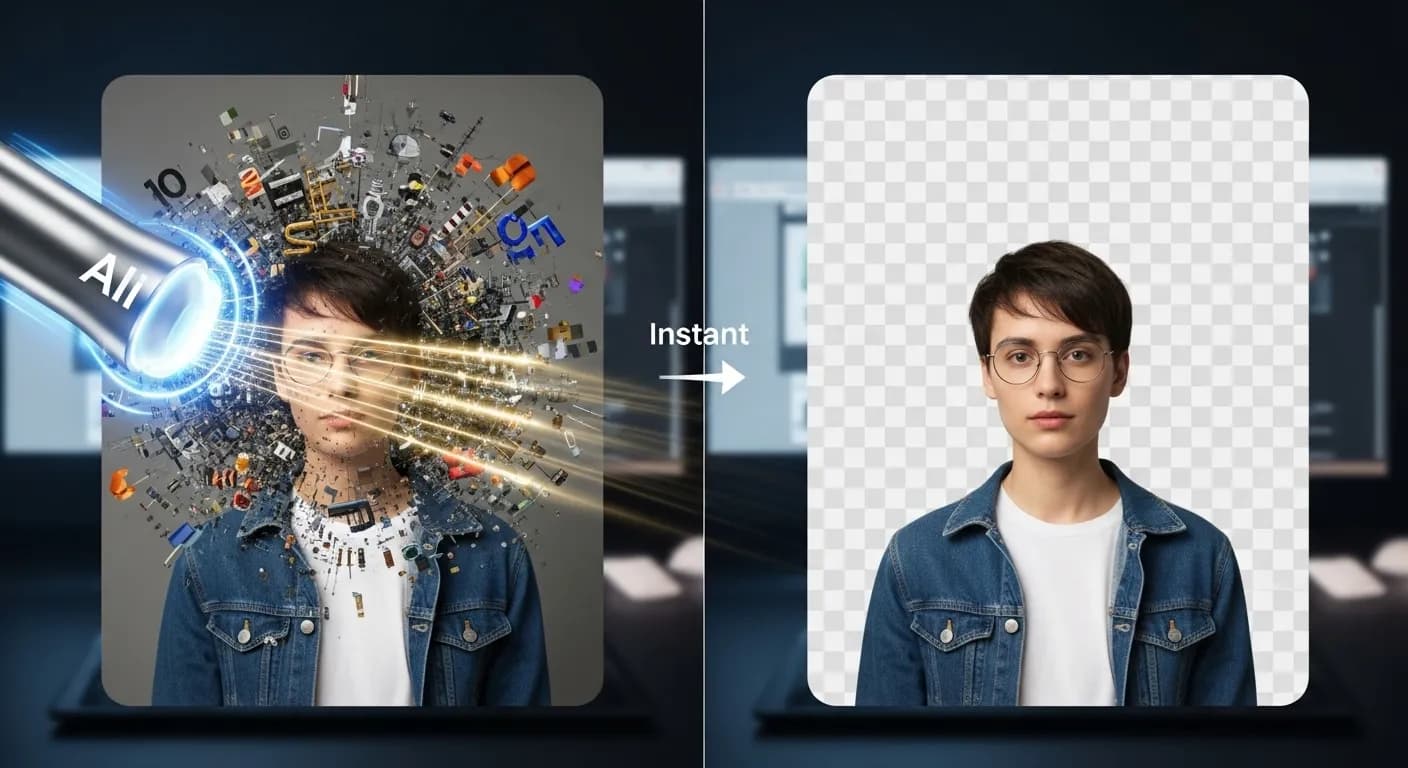
Upload a photo and Flonnect's AI background remover finds the subject and erases the background for you. Download the cut-out, or open the AI editor to remove backgrounds from images and video clips and put your subject on something new.
Edit by prompt
Just ask. The AI does the editing.
Type what you want in the editor's AI chat. The agent picks the right tool, applies it to your timeline, and you can undo or keep refining in plain words.
Tools the agent can use
- Remove background
- Generate assets
- Colour grade
- Auto reframe
Remove the background from this image.
Remove background — subject cut out with AI
Put the product on a clean studio backdrop.
Generate assets — new background generated
Crop it to a square.
Auto reframe
AI Background Removal for Photos and Video

Background Removal in One Step
Upload an image, click Erase Background, and download the result.

Automatic Subject Detection
The AI works out what the subject is, so you don't select or trace anything by hand.

Works on Video Too
In the AI editor, remove the background from video clips as well as still images.

Put It on a New Background
Place the cut-out over your own image, or ask the editor to generate a new backdrop.
AI Background Removal Without the Pen Tool
Removing a background by hand means tracing edges, building masks and fixing them in a photo editor. Flonnect's AI background remover skips that step: it detects the subject and removes everything behind it. You get a cut-out you can use in product listings, thumbnails, slides or social posts. Results depend on the photo, and a clear subject against a distinct background gives the cleanest edges.
Remove a Background in Three Steps
The free tool on flonnect.com/ai handles single images. For video clips and more editing, use the same background removal inside Flonnect's AI editor.

Upload your image: Pick a photo from your device in the free background remover.

Erase the background: The AI finds the subject and removes what's behind it.

Download or keep editing: Save the result, or bring it into the AI editor to add a new background, captions or video.
AI Background Removal for Product Photography & E Commerce
Marketplaces and online stores usually want products on a clean background. Remove the original one and start from the product alone.
- Cut the product out of a cluttered photo so the item is the only thing in view.
- Put every product on the same plain background for a consistent catalogue.
- Ask the AI editor to generate a simple backdrop when you don't have one.
AI Powered Background Editing for Marketing & Branding
Marketers and designers can start from a clean cut-out and build social ads, presentations and promo content around it.
- Cut out people or products to use in banners, ads and promo graphics.
- Drop the cut-out onto a background in your brand colours.
- Reuse one photo in several layouts instead of reshooting it.
AI Background Remover for Graphic Design & Social Media
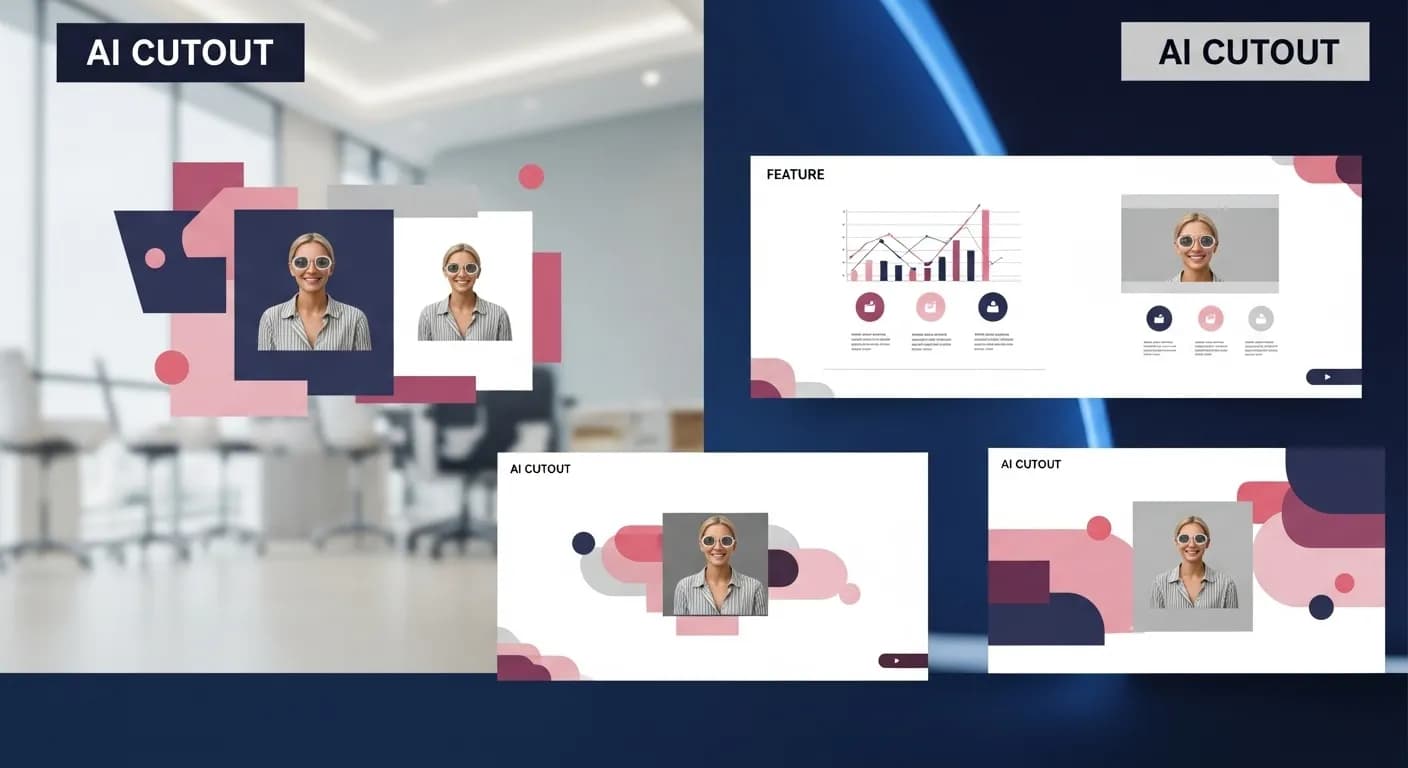
Creators need clean subjects for thumbnails, profile pictures and designs. Remove the background first, then build the graphic.
- Pull yourself or a product out of a photo for thumbnails, collages and posts.
- Remove the background from a video clip in the AI editor and place yourself over other footage.
- Use the AI thumbnail generator on flonnect.com/ai alongside the cut-out.
AI Background Editing for Business & Presentations
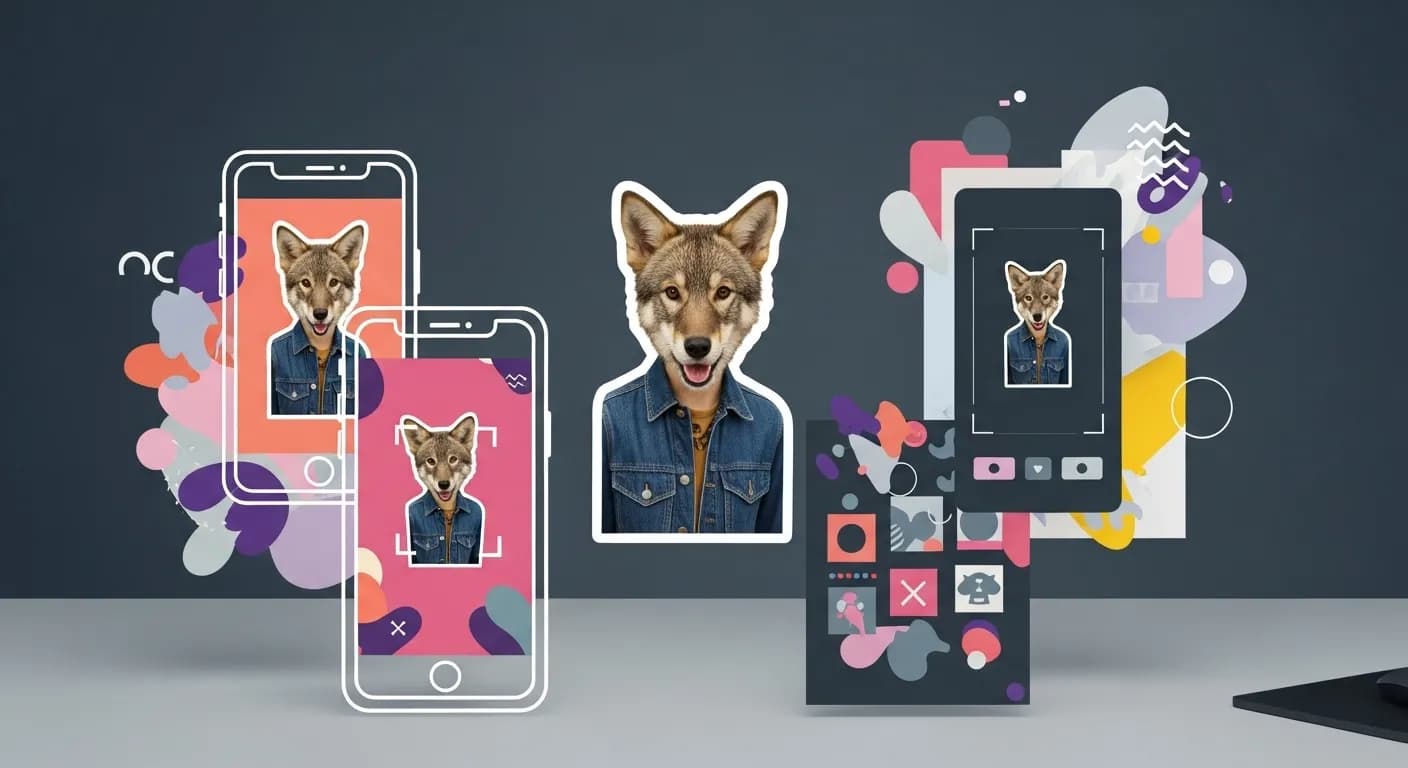
Teams can use cut-out images in presentations, websites and reports without sending them to a designer first.
- Cut out product shots, logos or headshots for slide decks.
- Place subjects cleanly on brochure, portfolio and website layouts.
- Turn a presentation into a video in the AI editor and keep the cut-outs.

Flonnect AI Background Remover – Cut Out Any Subject with AI
Flonnect AI Background Remover uses artificial intelligence to take the background out of a photo. Product photos, marketing graphics, social posts and slides all look better when the subject is cleanly separated. Doing that by hand takes time and photo-editing skill. With the AI background remover you upload the image and the AI does the selection for you.
The AI looks at the picture, works out which part is the subject, and removes everything behind it. You don't trace edges or build masks. Photos with a clear subject and a distinct background give the cleanest result. If an edge isn't right, try a different photo or crop and run it again.
For online stores, a product on a plain background is easier to read, and many marketplaces ask for one. Remove the original background, then put each product on the same simple backdrop so your catalogue looks consistent. If you don't have a backdrop, Flonnect's AI editor can generate one from a short description.
Marketers can use cut-outs to build ads, banners and social graphics around one photo. Place the subject on your brand colours, a gradient or a new image, and reuse the same cut-out in several sizes and layouts.
Creators often need a clean subject for thumbnails and profile pictures. Remove the background, then combine the cut-out with text or a new scene. In the AI editor you can also remove the background from a video clip, so you can place yourself over other footage or a plain colour without a green screen.
Designers and photographers can use the AI background remover as a first pass. Let the AI make the selection, then test different backgrounds and compositions instead of spending that time on manual masking.
Teams can use cut-out images in slide decks, brochures, reports and website layouts. A headshot or product image without its original background drops into most layouts cleanly. If you're turning slides into a video, Flonnect's presentation to video tool works in the same editor.
The free background remover on flonnect.com/ai takes one image at a time: upload, erase the background, download. For more, open Flonnect's AI editor at app.flonnect.com/create. Background removal there works on images and video, and you can ask the AI agent in plain words to add a new background, colour grade the result, reframe it for another aspect ratio or add captions.
Background removal is also useful for personal projects such as greeting cards, invitations and printed designs. Take the subject out of an ordinary photo, place it on a new background, and you have a starting point for the design.
Flonnect AI Background Remover is for anyone who needs a clean cut-out without learning a photo editor: e-commerce sellers, marketers, creators, designers and teams. Upload an image, let the AI remove the background, and keep editing in Flonnect if you need more.
Remove the Background, Then Keep Creating
Cut out your subject with AI, then edit, add video and share from the same Flonnect account.
No credit card required • Free forever plan available