Coming soonYour AI agent can attend meetings for you. See how →

AI Social Media Post Creator
Make Social Media Posts from a Prompt or a Recording
Flonnect's AI social media post creator lives in the AI editor. Describe the post you want or bring a recording, and the agent writes the script, generates images or video, adds captions and crops it for each platform.
Edit by prompt
Just ask. The AI does the editing.
Type what you want in the editor's AI chat. The agent picks the right tool, applies it to your timeline, and you can undo or keep refining in plain words.
Tools the agent can use
- Write a script
- Auto reframe
- Find short clips
- Smart captions
- Generate assets
Write a caption for this clip for LinkedIn.
Write a script — scripts, captions and copy
Make vertical and square versions.
Auto reframe — smart crop for any aspect ratio
Pull three short clips from this recording.
Find short clips
Create Social Media Posts with AI

AI Script & Copy Writing
Ask the agent for a script, a hook or the text that goes with your post, then edit it in plain words.

Your Brand Kit
Save your logo, accent colour, font and music once. They are applied to the videos you generate.

Hook Variants
Generate several opening hooks for the same video so you have more than one version to post.

AI Generated Visuals
Generate images, video clips and sound with the AI model you pick, right inside the editor.
AI Powered Social Media Content Creation
A good post needs an idea, a few lines of copy and a visual that fits the platform. In Flonnect you give the AI a prompt plus a few reference photos, your website or your own clips. It drafts a story for you to approve and renders the video with your brand kit. Then, in the editor, you can add captions or crop it to vertical, square or any other ratio.

Plan, Generate and Resize Posts with AI
Flonnect AI Social Media Post Creator is for creators, social media managers and marketers who post often and want the first draft done for them.

Describe the post: Pick a video type such as Product, Explainer or Text promo, write a prompt and add up to 4 reference photos.

Approve the story: The AI may ask a few questions, then shows you the story to edit before anything renders.

Resize for each platform: Videos render in 16:9. Auto reframe in the editor makes vertical or square versions.
AI Social Media Posts for Influencers & Content Creators
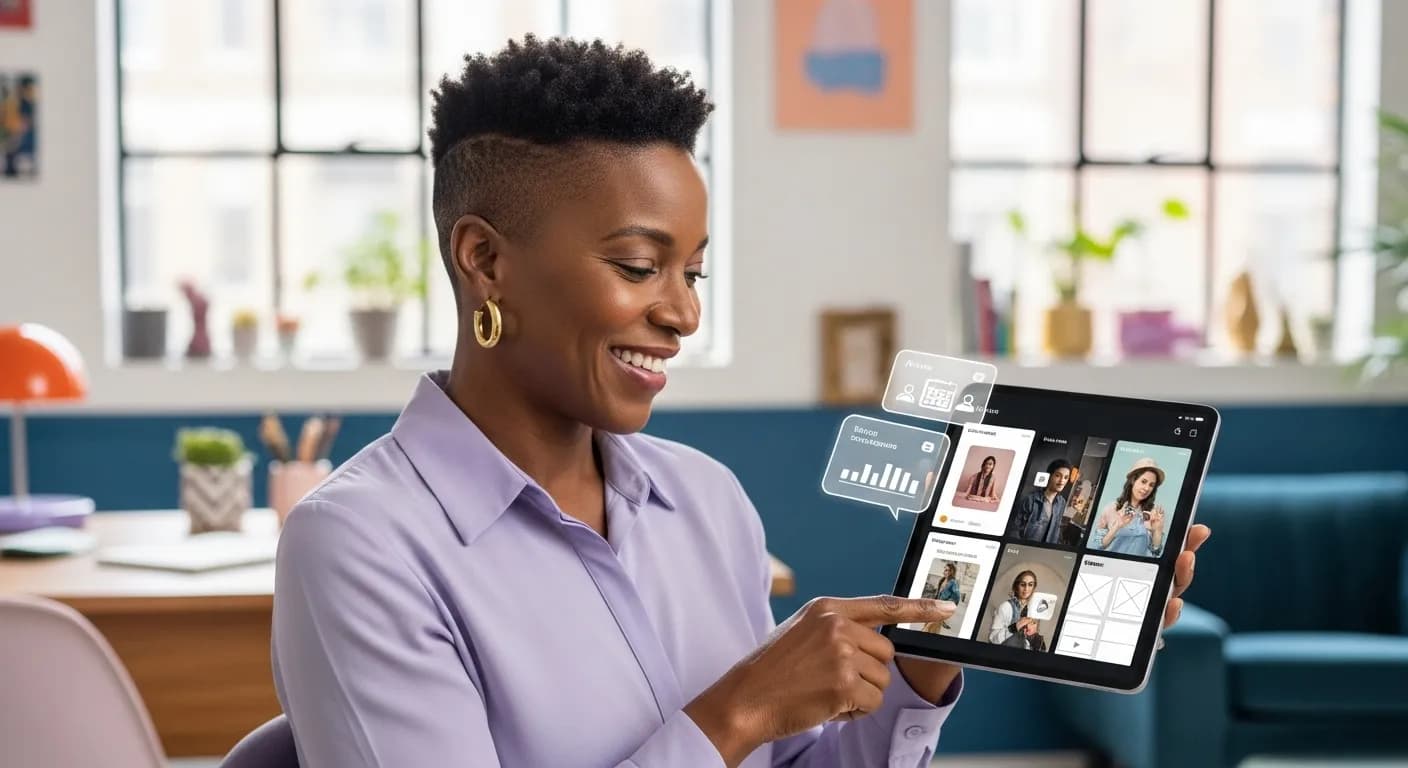
Influencers and creators can get more posts out of the content they already make.
- Find short clips turns one long recording into several posts.
- Smart captions add styled, animated subtitles so posts work with the sound off.
- Ask for a script or post copy in your own words, then edit it.
AI Social Media Marketing for Businesses & Brands
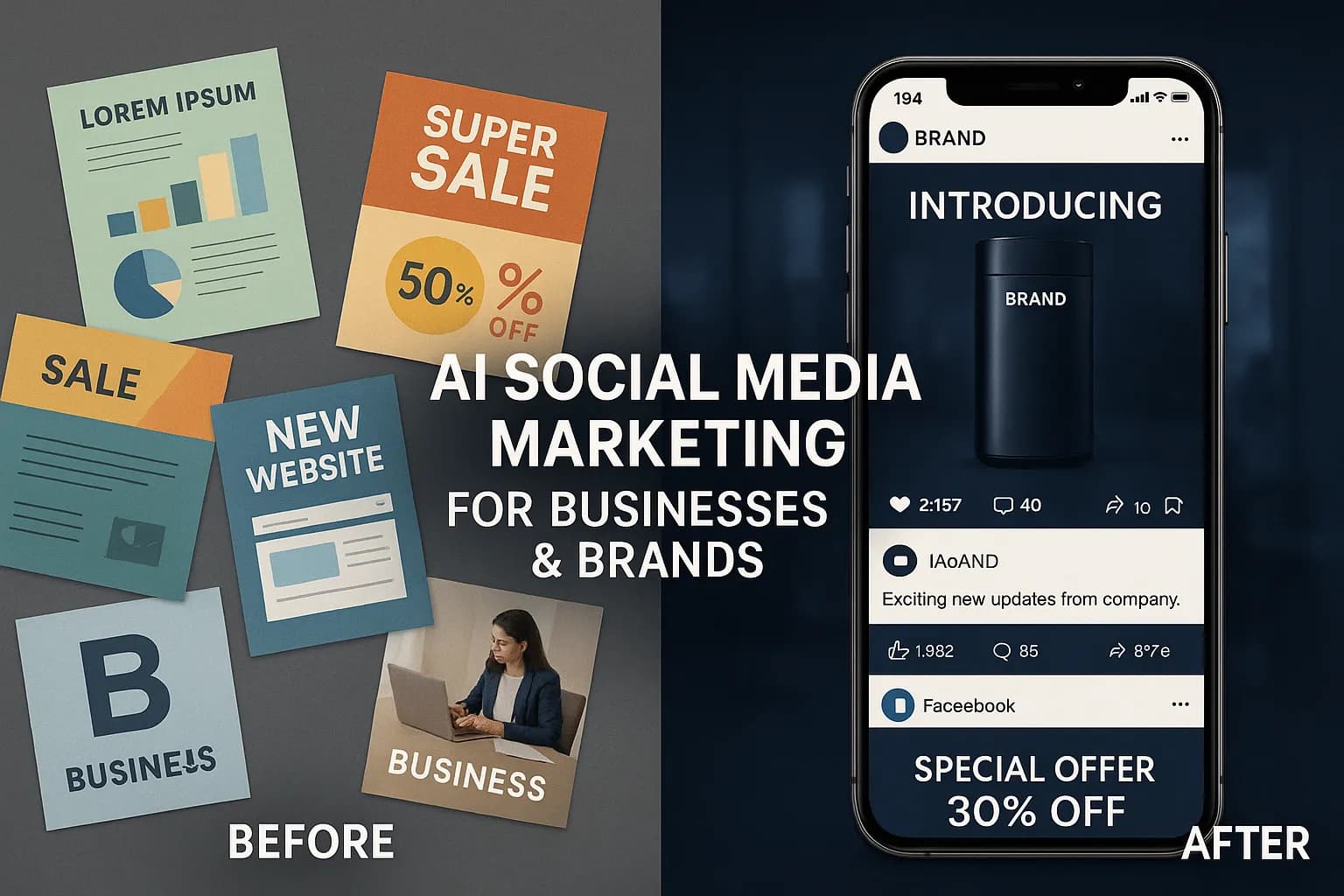
Brands can make promotional posts, product announcements and campaign videos from a prompt and a few product photos.
- Your brand kit keeps logo, colour, font and music the same across posts.
- Product and Brand film video types suit launches and announcements.
- Language variants make the same post in more than one language.
AI Social Media Post Optimization for Digital Marketers
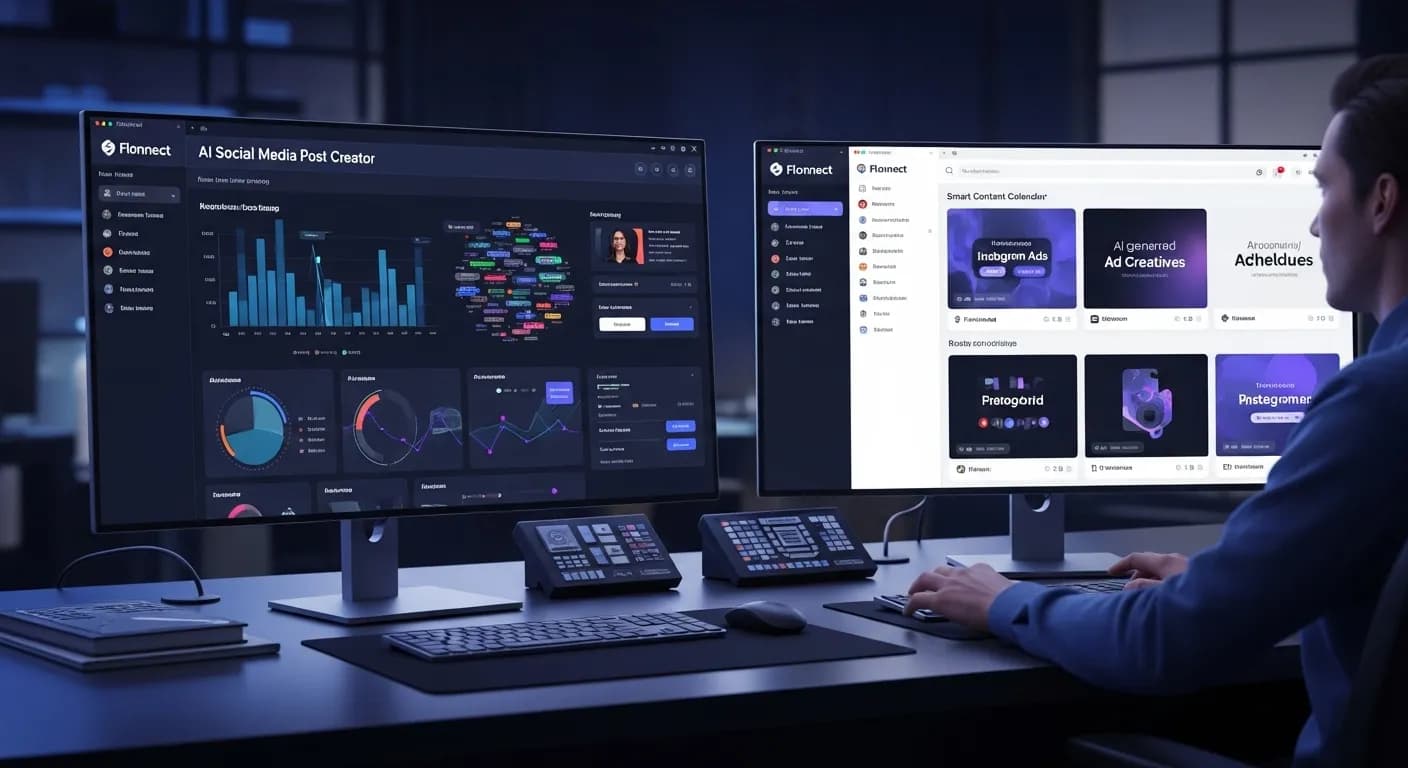
Marketers and social media managers can produce drafts quickly while keeping the brand voice consistent.
- Generate several hook variants for one video and choose which to post.
- Generate images and short clips with the AI model you choose.
- Undo any change, or keep refining by typing what to fix.
AI Generated Social Media Content for Blogs & Publishers
Publishers and bloggers can turn long-form articles into short videos for social media.
- Add your website as context so the video reflects what you publish.
- Ask the agent to write a short script that sums up a long article.
- Add a voiceover with text-to-speech or a clone of your own voice.
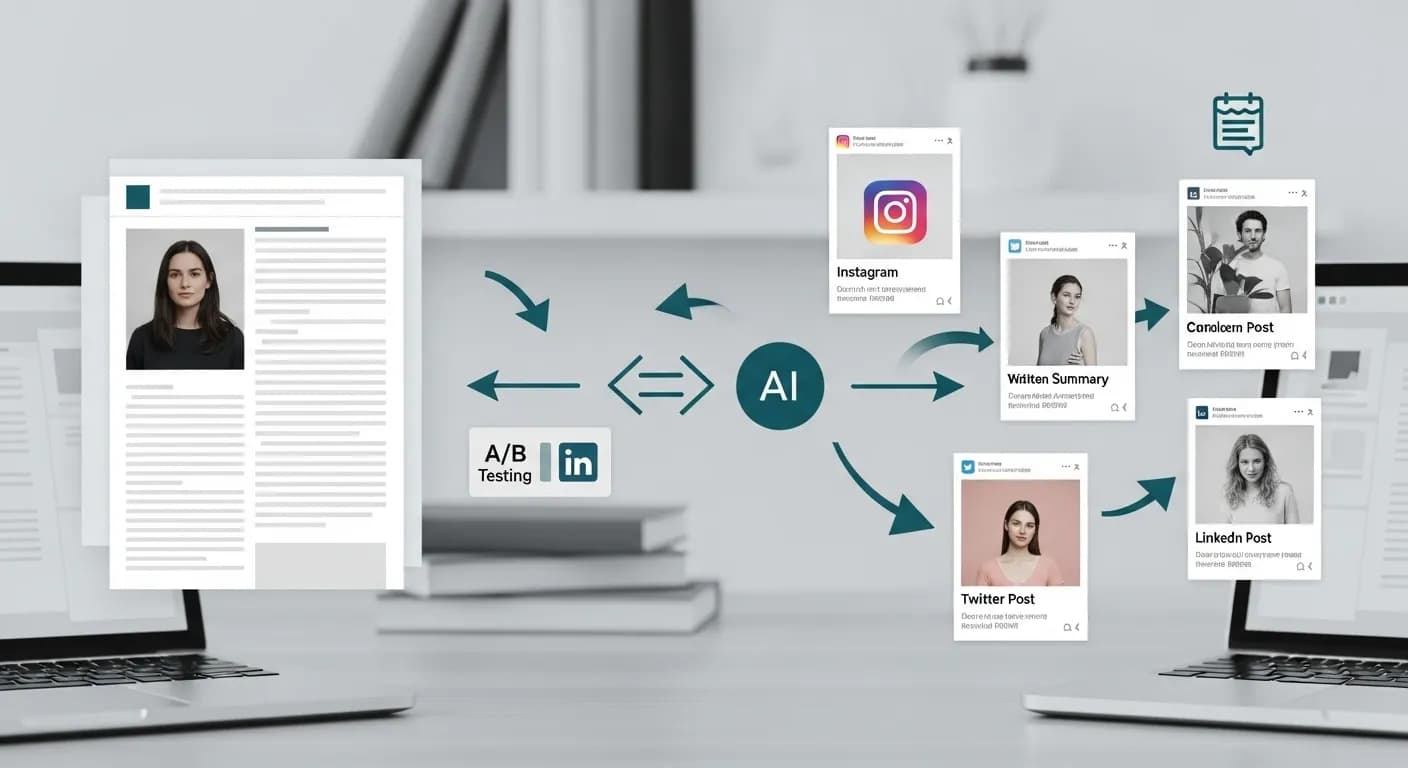
Flonnect AI Social Media Post Creator – Simplify the Social Media content creation process
Flonnect’s AI social media post creator helps you make posts without starting from a blank page. Businesses, creators and marketers need a steady supply of posts to stay visible, and each one takes an idea, some copy, a visual and a version sized for each platform. The AI editor at app.flonnect.com/create drafts all of that from a short prompt, so you spend your time choosing and polishing instead of building every post by hand.
Social media content works when the message, the visual and the format suit the platform. In Flonnect you start by picking a video type (Product, Brand film, Explainer, Text promo, or let the AI decide) and writing what the post is about. You can add up to four reference photos, your website, or up to three of your own clips. The AI may ask a few clarifying questions, then writes a story you can edit before anything renders. Posts for Instagram, Facebook, LinkedIn, X and TikTok can all start from the same draft.
Different posts have different goals: brand awareness, a product launch, an event or a sign-up. Tell the AI what the post is for and it shapes the script and visuals around that goal. You can ask the agent to write or rewrite the copy, change the tone or shorten the opening line, and it applies the change for you.
Creators grow by posting regularly, and the easiest way to do that is to reuse what you already make. Upload a long video or a stream and the find short clips tool picks out the strongest moments. Smart captions make the clips work with the sound off, and auto reframe crops them to vertical for Reels, Shorts and TikTok. A voiceover can be added with text-to-speech or a clone of your own voice.
Online stores can make posts for product launches, sales and new arrivals. Give the AI a few product photos and a link to your site, choose the Product video type and approve the story. Your brand kit adds your logo, accent colour, font and music. Hook variants give you several openings for the same video, so you can post more than one and see which your audience prefers.
Marketers who manage several accounts can keep each brand consistent with its own brand kit. Language variants make versions of the same post in other languages, and the translate audio and dub tools turn existing videos into versions for new audiences.
Every draft opens in a full multi-track timeline editor, so nothing is locked. You can trim, swap a shot, colour grade, remove a background, enhance audio or generate a new image, either by hand or by typing the change into the AI chat. Any change can be undone.
Video and visual posts make up much of what people see on social media, and producing them is often the slowest part of the job. Flonnect handles the production work so you can spend more time on what to say and on replying to your audience.
Flonnect AI Social Media Post Creator gives you one place to draft, generate, caption and resize posts for the main social networks. When a post is ready, download it and publish it on the platforms you use.
One AI Social Media Post Creator, From Idea to Finished Post
Create, edit and share AI generated social media videos and images in one place
No credit card required • Free forever plan available