Coming soonYour AI agent can attend meetings for you. See how →

AI Avatar Video Creator
Make an Avatar Video From Your Own Photo and a Script
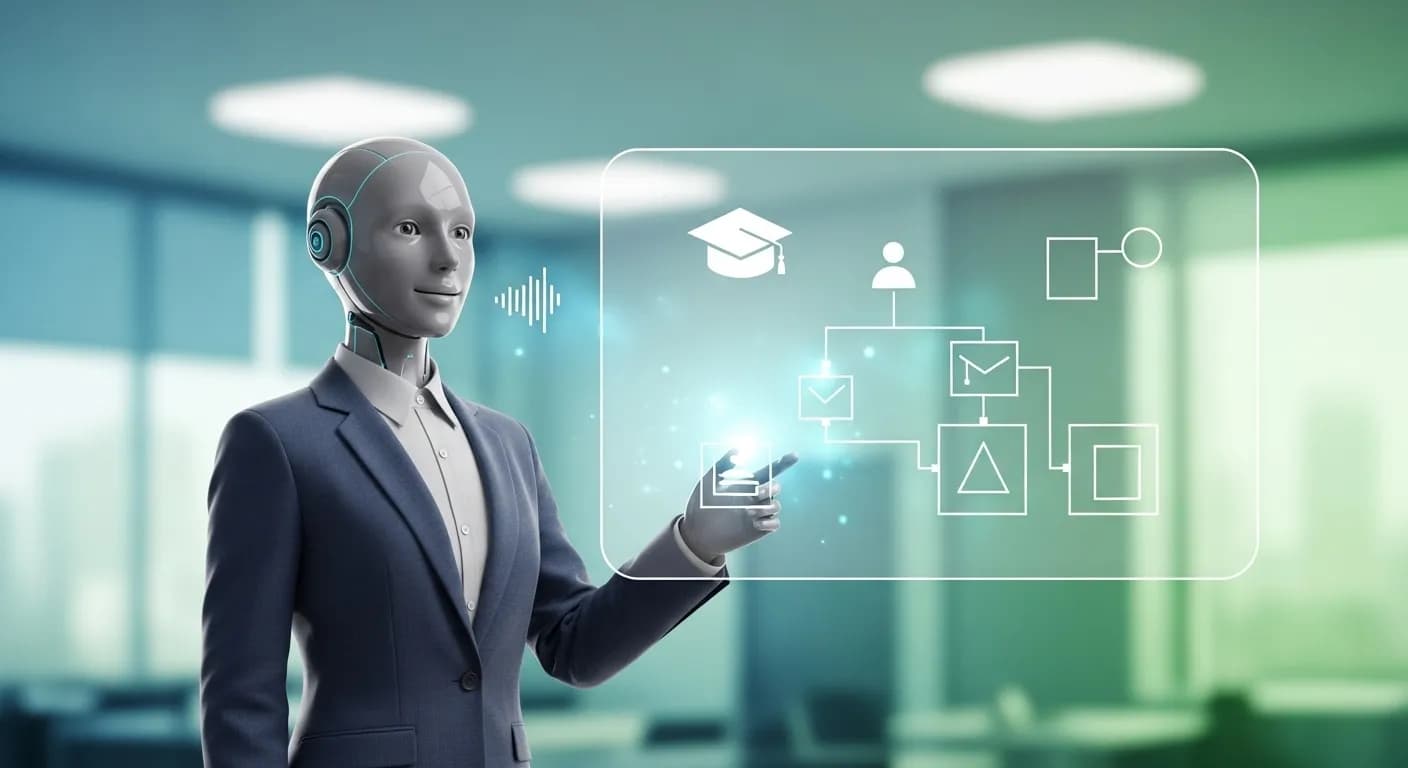
Flonnect's AI avatar video creator turns a photo of you and a script into a talking video. It lives in the AI editor at app.flonnect.com/create, so you can add a voice, captions and music to the result without leaving the project.
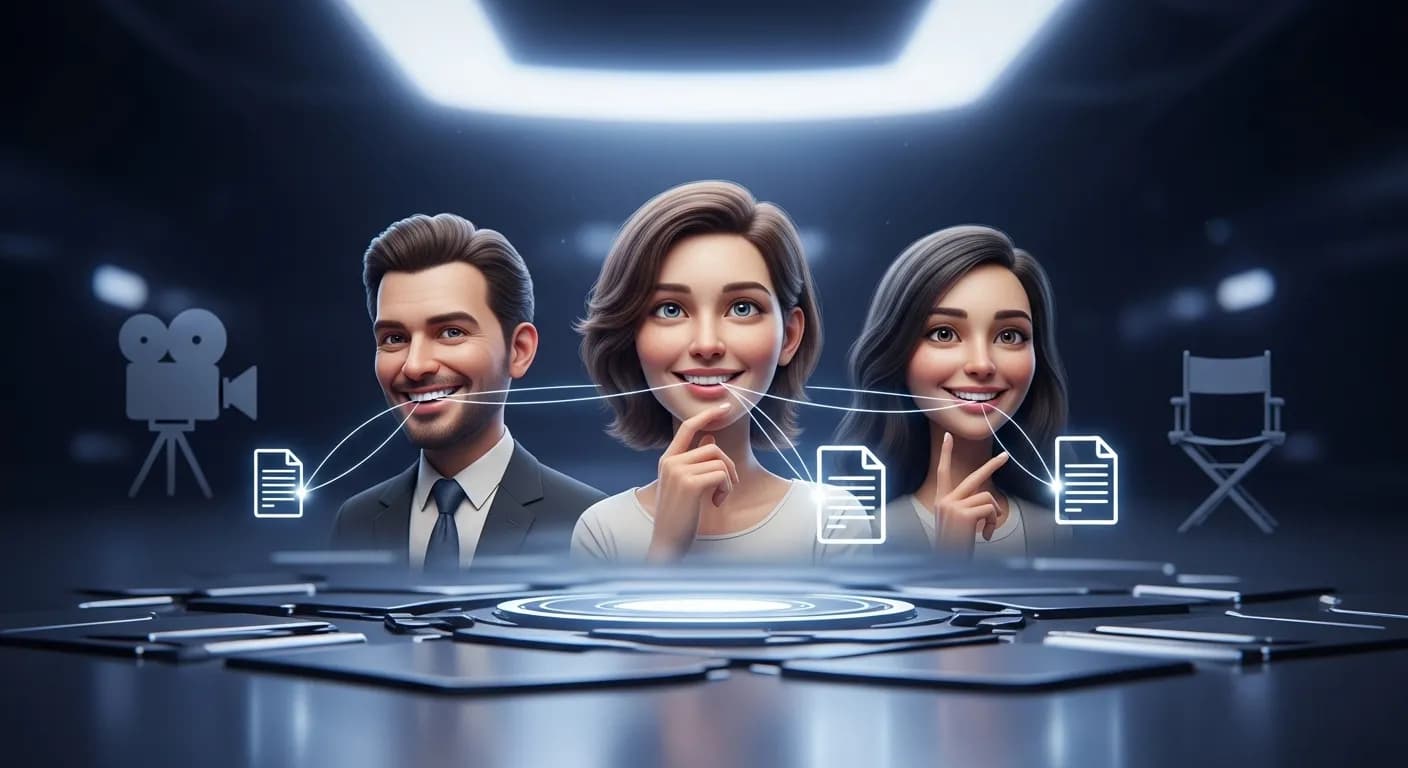
Edit by prompt
Just ask. The AI does the editing.
Type what you want in the editor's AI chat. The agent picks the right tool, applies it to your timeline, and you can undo or keep refining in plain words.
Tools the agent can use
- Write a script
- Voice studio
- Translate audio
- Dub in another voice
- Smart captions
Write a 60-second welcome script for new customers.
Write a script
Read it out in a natural voice.
Voice studio — text to speech, or clone your own voice
Translate the audio to Hindi.
Translate audio — speech dubbed into another language
Talking Avatar Videos Built From Your Photo

Talking Photo
Upload your own photo, add a script, and the AI makes the photo speak it.

Your Face, Not a Stock Avatar
There is no avatar library to pick from. The avatar is built from the photo you provide.

Voice Studio
Turn the script into speech with text-to-speech, or clone your own voice for the narration.

Lip Sync, Dub & Translate
Match mouth movement to new audio, dub it in another voice, or translate it into another language.
Video Without a Camera Using Your AI Avatar
Filming a talking head video means setting up a camera, lighting and several takes. With Flonnect you upload one photo of yourself, write or paste a script, and the AI turns it into a talking clip. If you don't have a script yet, the editor's write-a-script tool can draft one. The clip lands on a multi-track timeline where you can add captions, slides, b-roll and music.
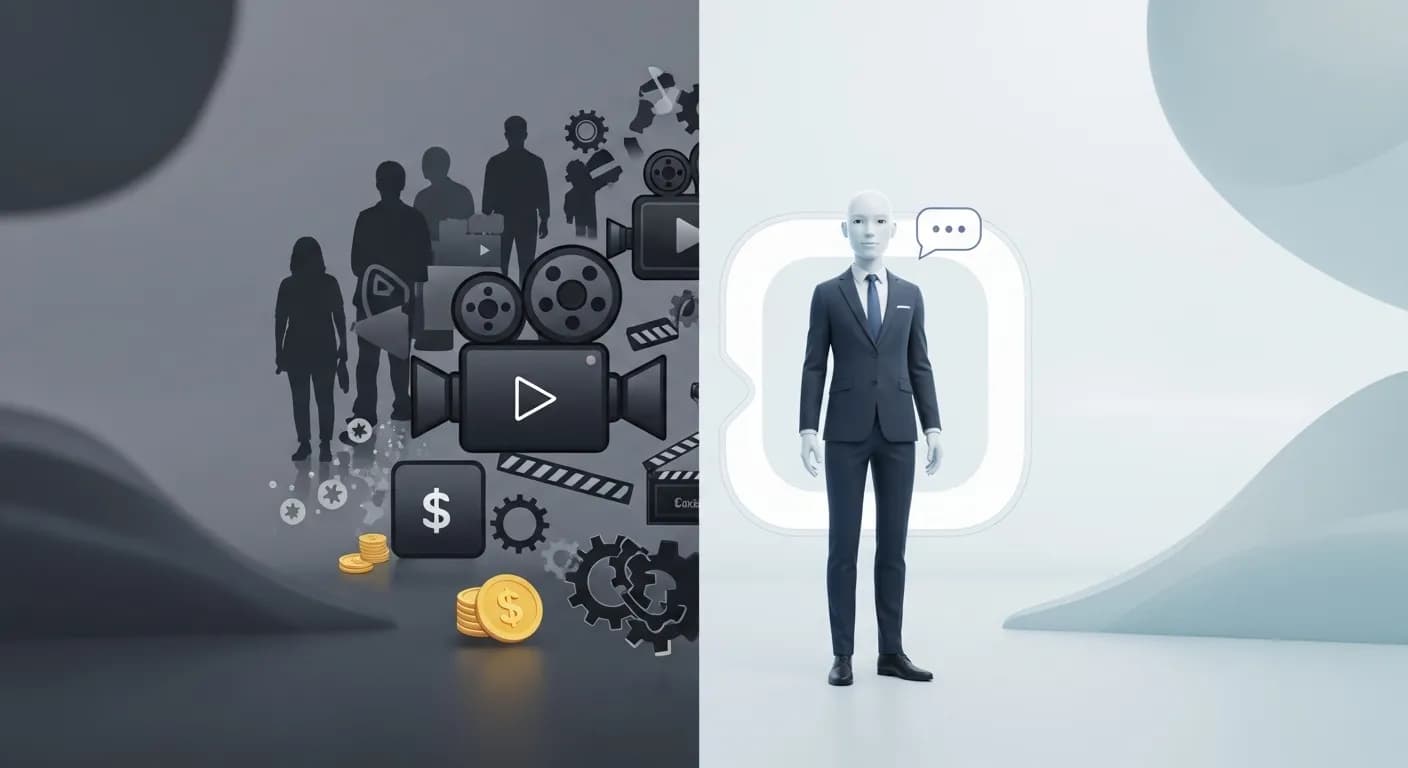
How to Make an AI Avatar Video
The avatar video creator is one of the AI panels in Flonnect's editor. Three steps get you from a photo to a finished clip.

Upload your photo: Open the talking photo panel in the AI editor and add a clear, front-facing photo of yourself.

Add your script: Paste the words you want said, pick a text-to-speech voice or use a clone of your own voice.

Edit and share: Add captions and music on the timeline, dub or translate it if needed, then export.
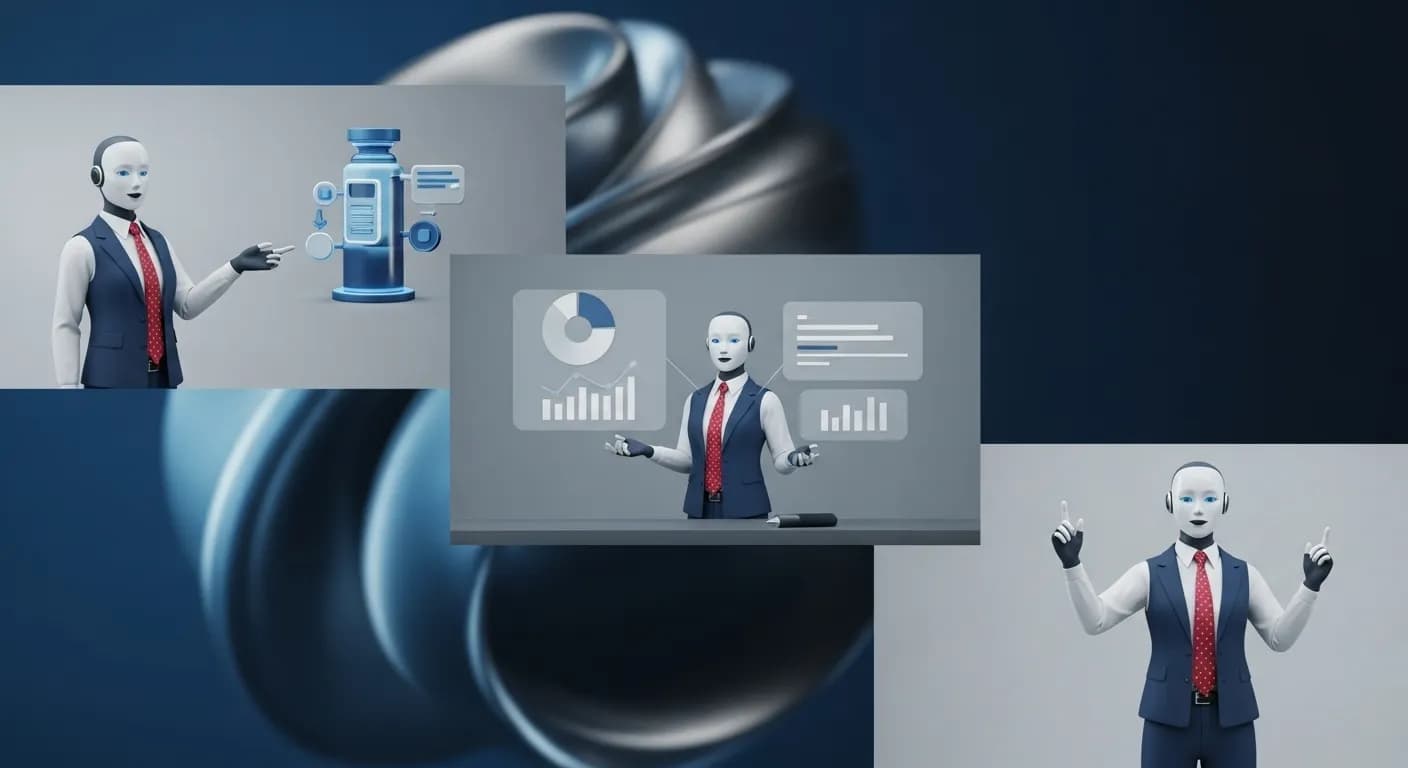
AI Marketing & Brand Spokesperson Videos
Put a familiar face on product launches and brand messages without filming each one.
- Record product updates and announcements as a talking avatar of your spokesperson, with their permission.
- Make short explainer and promo videos without booking a shoot.
- Use the same cloned or text-to-speech voice across every video.
AI Social Media Influencer Videos
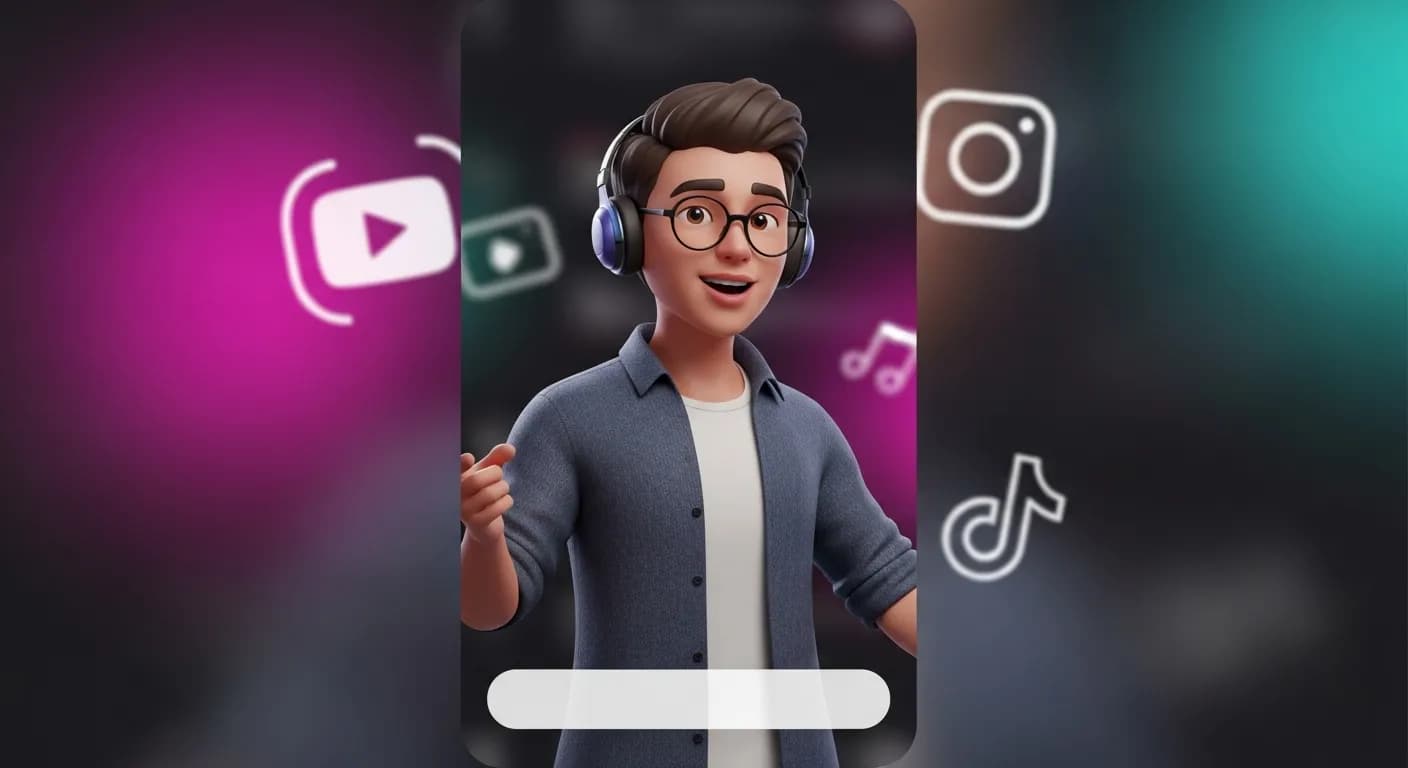
Post more often without filming every video yourself.
- Make talking head videos of yourself for YouTube, Instagram and TikTok.
- Add smart captions so viewers can follow without sound.
- Use auto reframe to make a vertical version for shorts and reels.
AI Powered Educational & Training Videos
Teachers and trainers can update a lesson by editing the script instead of re-recording it.
- Turn lesson scripts into short videos presented by your own avatar.
- Use one voice across a whole course, or clone your own.
- Useful for corporate training, e-learning and online courses.
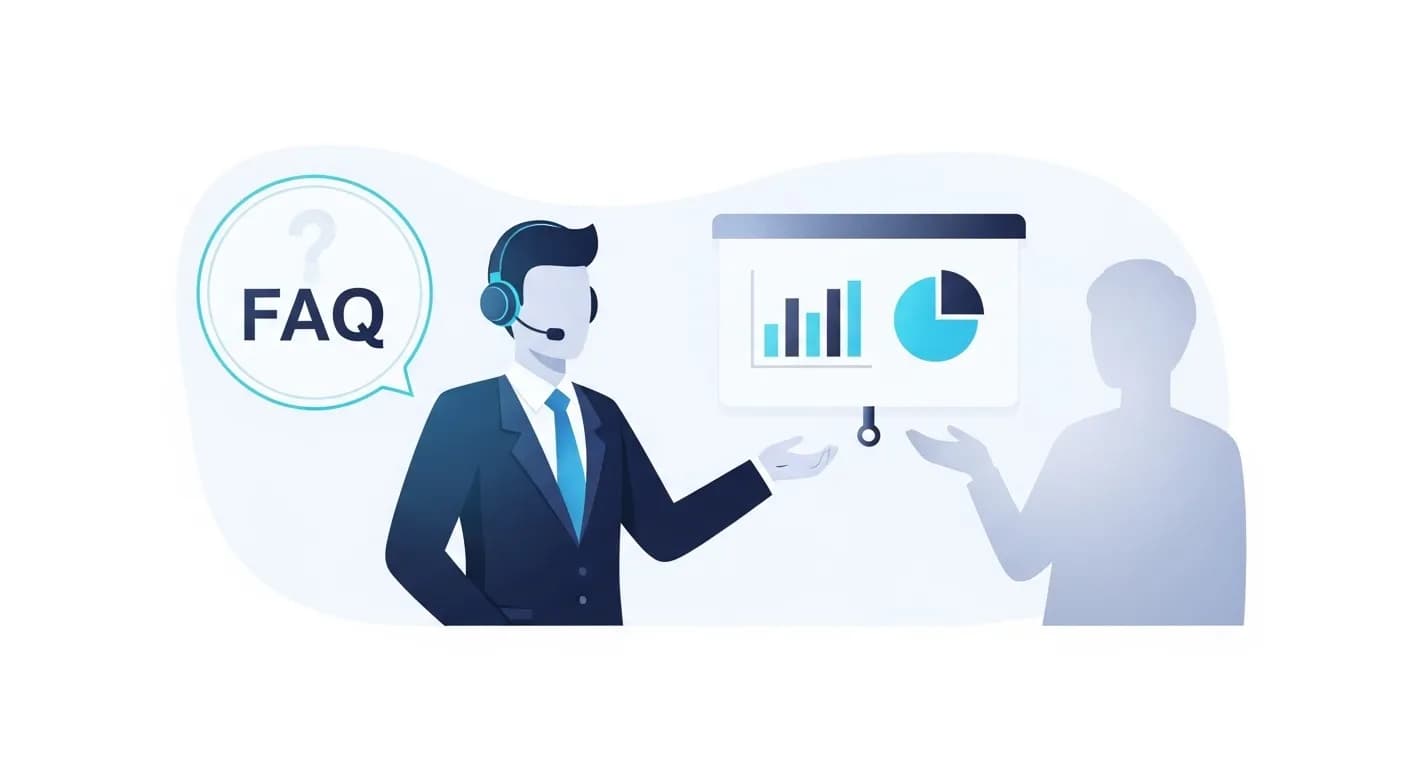
AI Business Presentations & Customer Support Videos
Businesses can use avatar videos for FAQs, onboarding and internal presentations.
- Make how-to and FAQ videos for your help centre.
- Update a support video by changing the script, not reshooting.
- Dub or translate support videos for customers in other languages.
Flonnect AI Avatar Video Creator - Talking videos from your photo
Flonnect's AI avatar video creator turns a photo of you and a written script into a talking video. Filming a talking head usually needs a camera, lighting, a quiet room and several takes. Here you upload one clear photo, add the script, and the AI animates the photo to speak it.
There is no library of stock presenters. The avatar is made from the photo you upload, so the person on screen is you or someone who has agreed to appear. The tool is the talking photo panel in Flonnect's AI editor at app.flonnect.com/create, which means the clip goes straight onto a multi-track timeline.
The voice comes from the voice studio. You can pick a text-to-speech voice or clone your own voice and use it for narration. The lip sync panel matches mouth movement to the audio, and you can dub the finished clip in another voice or translate the audio into another language.
Marketing teams can use avatar videos for product updates, launch announcements and short explainers. Changing the message means editing the script and generating the clip again, not booking another shoot. Creators can make talking head videos for YouTube, Instagram, TikTok and LinkedIn, then use auto reframe to make a vertical version.
Teachers, trainers and course creators can turn lesson scripts into short presented videos. If a policy or a fact changes, you update the script instead of re-recording a whole lesson. Smart captions make the videos easier to follow, and the same voice can be used across a whole course.
Support and operations teams can use avatar videos for FAQs, onboarding and internal presentations. You can put the avatar clip next to screen recordings or slides in the same project, or use presentation to video to turn a deck into a video.
If you get stuck, ask the editor's AI agent in plain words, for example “add captions” or “put music under this”. It applies the change to the timeline, and every change can be undone.
Flonnect AI avatar video creator suits anyone who needs to appear in videos regularly but does not want to film each one: marketers, educators, creators and support teams. Start with one photo and one script, and finish the video in the same editor.
Your Photo, Your Script, Your Avatar Video
Make a talking avatar video and finish it in the same AI editor
No credit card required • Free forever plan available