Coming soonYour AI agent can attend meetings for you. See how →

AI Face Swap Video Tool
Swap a Face in Your Video Right Inside the AI Editor
Flonnect's AI face swap video tool sits in the AI editor at app.flonnect.com/create. Add a clip to the timeline, give it the face you want, and you can trim, caption and export the swapped clip like any other.
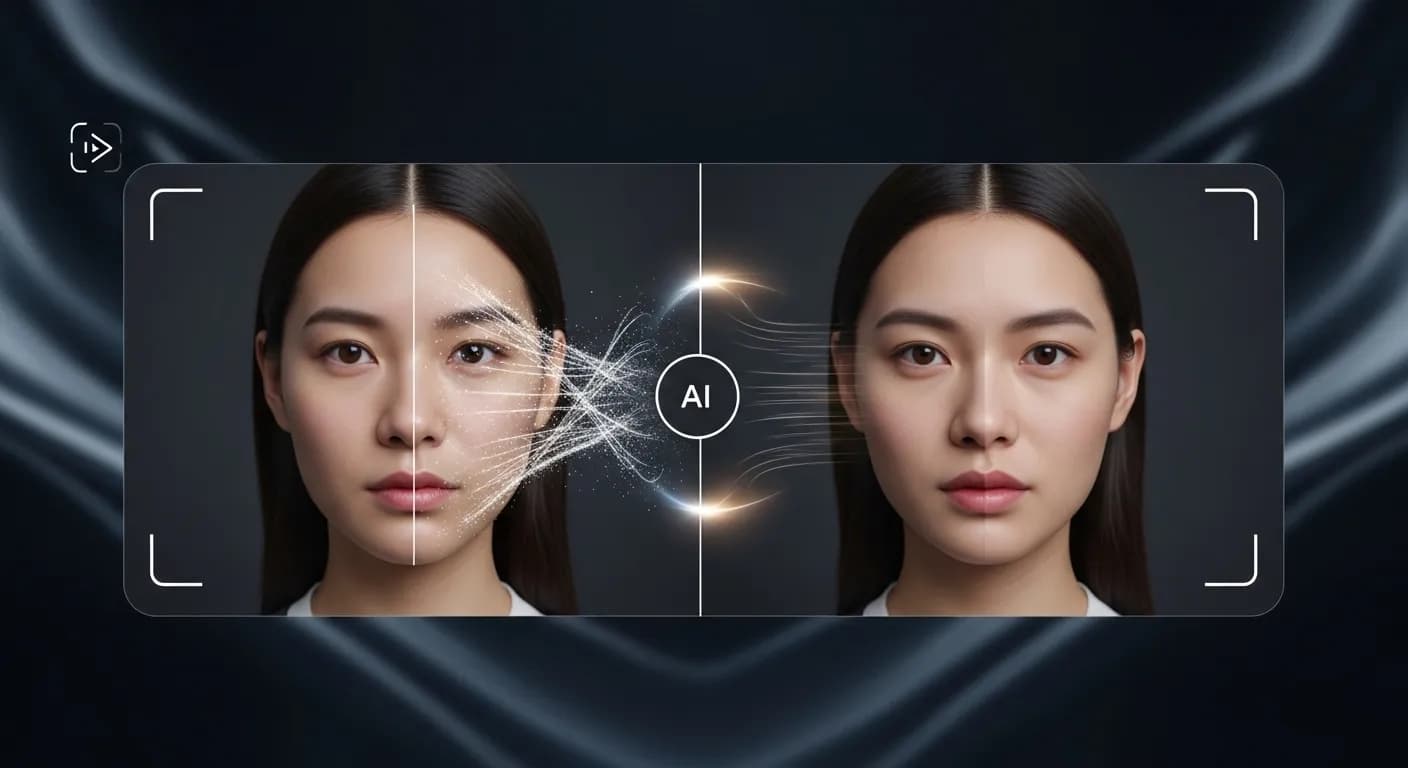
Edit by prompt
Just ask. The AI does the editing.
Type what you want in the editor's AI chat. The agent picks the right tool, applies it to your timeline, and you can undo or keep refining in plain words.
Tools the agent can use
- Remove background
- Dub in another voice
- Voice studio
- Generate assets
- Colour grade
- Smart captions
Remove the background behind the presenter.
Remove background — subject cut out with AI
Re-voice this clip in a different voice.
Dub in another voice — voice changed, timing kept
Add an AI video after this clip showing a city at night.
Generate assets — new clip placed after the selection
Face Swap Plus the Tools Around It

AI Face Swap
Replace the face in a video clip with a face from a photo you upload.

Character Swap
Replace a whole character in a clip, not just the face.

Lip Sync & Talking Photo
Match mouth movement to new audio, or turn your own photo and a script into a talking clip.

Edit the Result
The output lands on a multi-track timeline, so you can trim it, add captions or music, and export.
Face Swapping Without Frame-by-Frame Work
Doing a face swap by hand means masking and tracking a face across every frame. In Flonnect you pick a clip, upload the face you want, and let the AI do the detection and replacement. The swapped clip is added to your project, where you can compare it with the original, cut it down, or ask the AI agent for further edits in plain words.
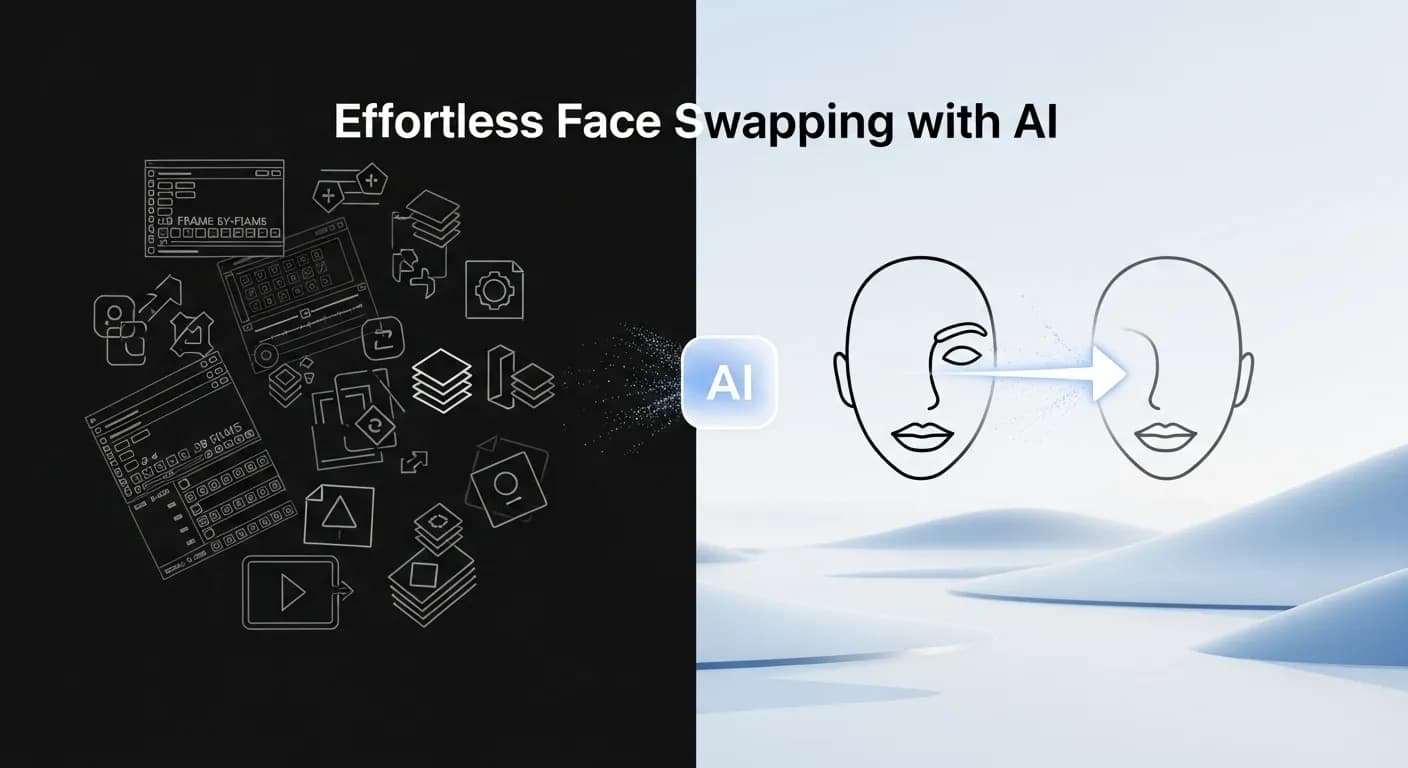
How the AI Face Swap Video Tool Works
Face swap is one of the AI panels in Flonnect's editor, so the swap and the rest of your edit happen in the same project.

Add your clip: Open the AI editor and drop the video you want to change onto the timeline.

Choose the face: Open the face swap panel and upload a clear photo of the face to use.

Review and edit: Check the result on the timeline, then trim, caption and export it.
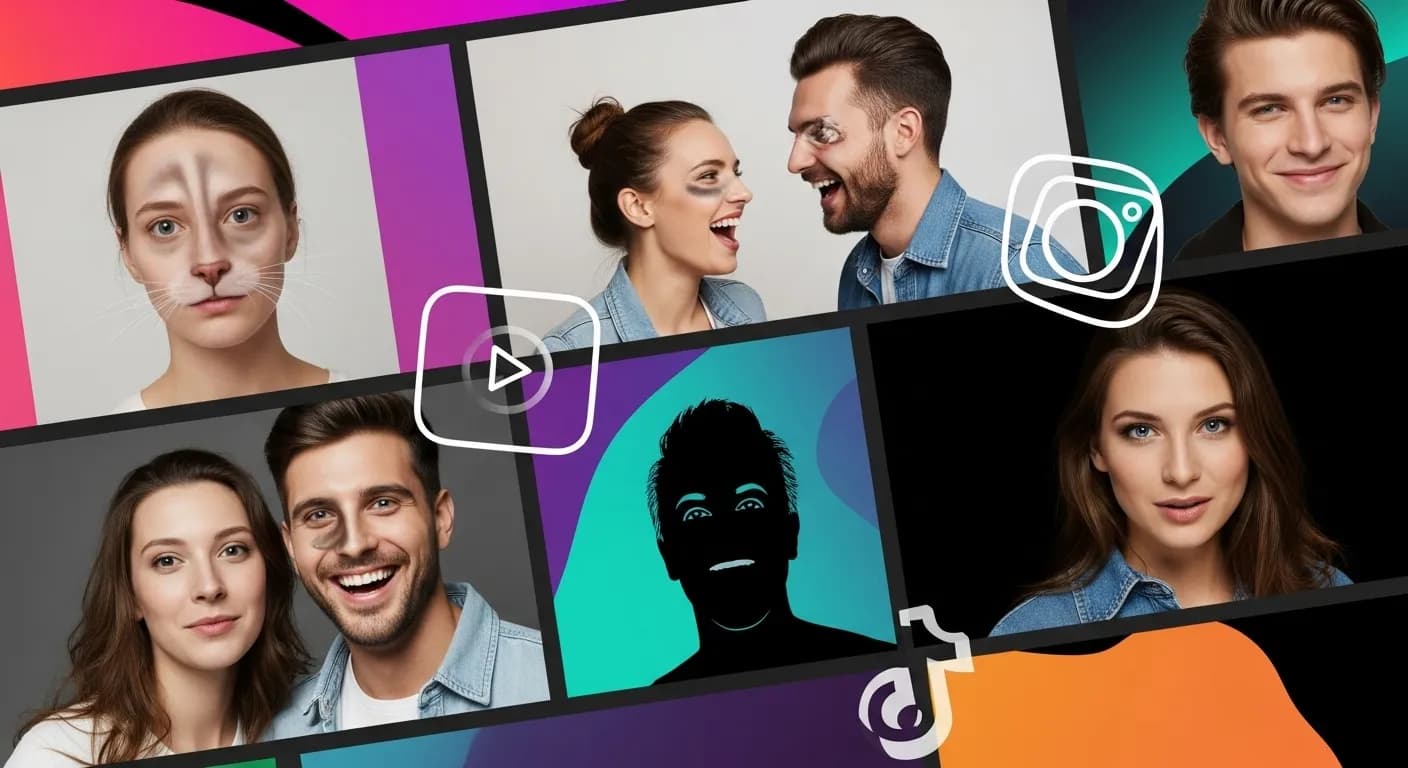
AI Face Swap for Content Creators & Social Media Influencers
Make face swap clips, memes and skits, then finish them in the same editor.
- Make short face swap edits for TikTok, Instagram, Snapchat and YouTube.
- Use auto reframe to turn a 16:9 edit into a vertical cut.
- Add smart captions before you download the video.
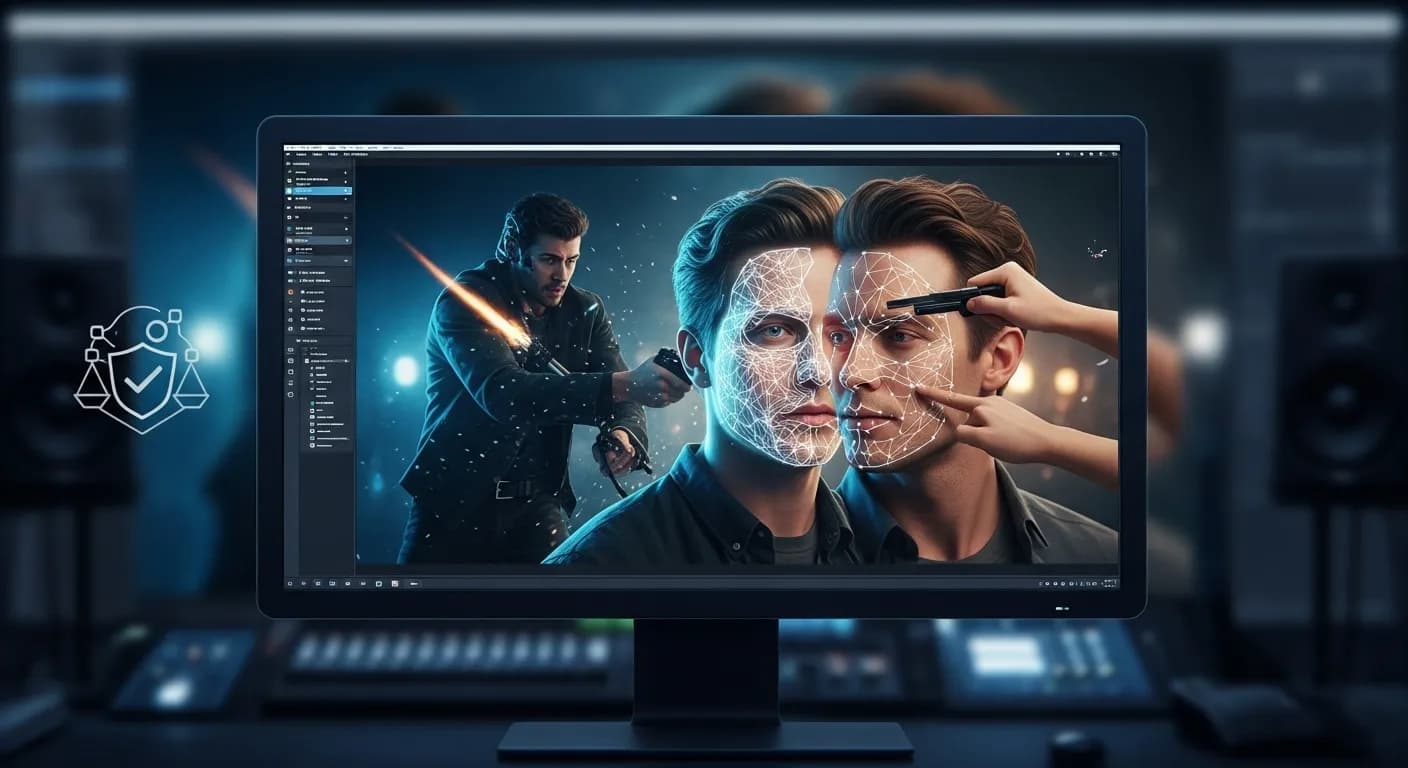
AI Face Swap for Video Making & Special Effects
Video makers can use face swap for quick tests and simple effects without a VFX pipeline.
- Try out a face replacement on a shot before planning a reshoot.
- Swap a character in a clip with the character swap panel.
- Get consent from anyone whose face you use.
AI Face Swap for Marketing & Advertising
Marketing teams can make several versions of one video without shooting each one.
- Make versions of an ad with a different presenter, with their permission.
- Dub the voiceover into another language for each version.
- Apply your brand kit when you generate new videos with Create with AI.
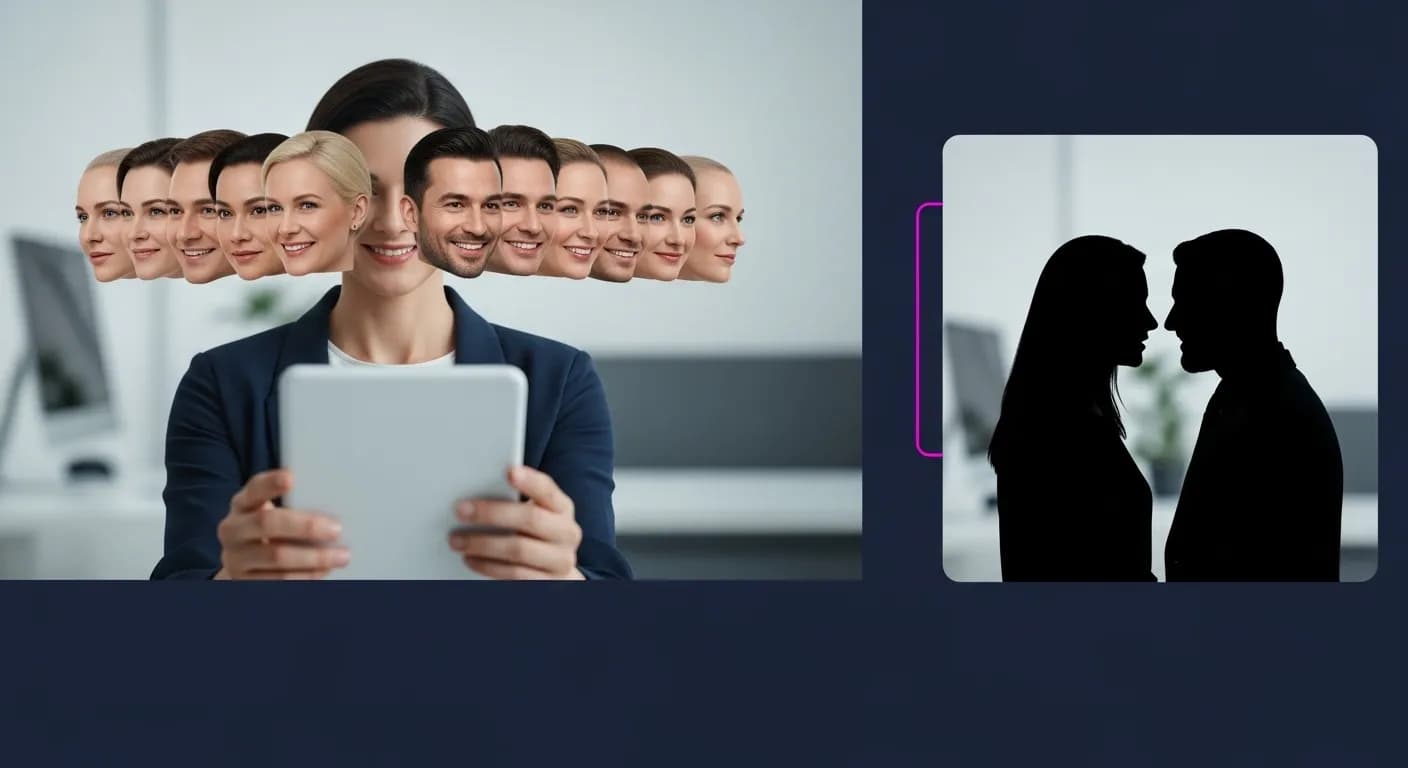
AI Face Swap for Fun & Entertainment
Make face swap videos with friends for a laugh.
- Put your own face, or a willing friend’s, into a clip.
- Export the finished video and share it.
- Keep it fun and don’t use someone’s face without asking.
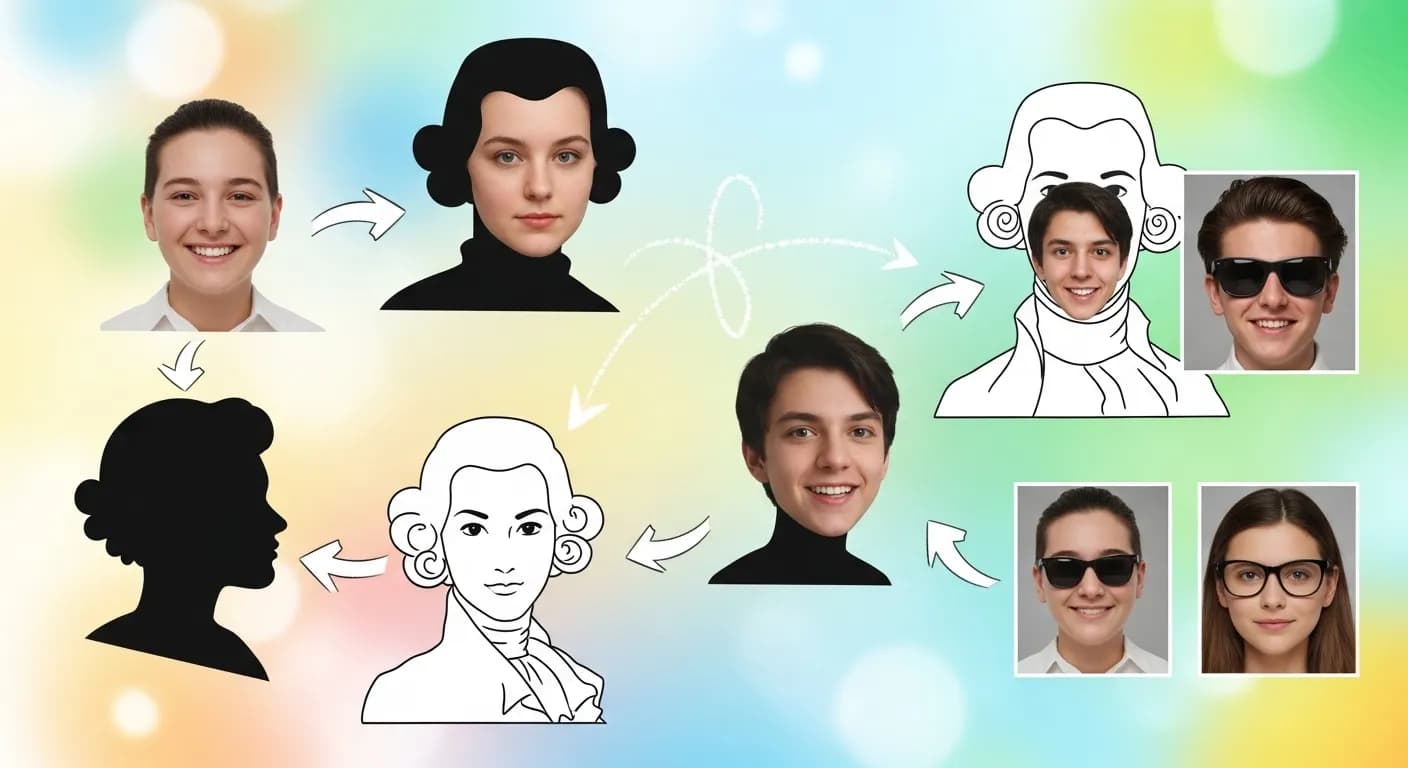
Flonnect AI Face Swap Video Tool - Face swap inside a video editor
Flonnect's AI face swap video tool replaces a face in a video clip with a face from a photo you provide. Doing this by hand usually means compositing software and frame-by-frame masking. Here the AI handles detection and replacement, and you work with the result on a normal editing timeline.
The tool is one of the AI panels in Flonnect's editor at app.flonnect.com/create. You add a clip, open the face swap panel, upload the face you want, and the swapped clip is added to your project. How convincing the result looks depends on the source footage, so clear, well-lit shots of a face looking toward the camera give the AI the most to work with.
For creators on TikTok, Instagram, Snapchat and YouTube, face swap is a quick way to make skits, memes and reaction clips. Because the swap happens inside the editor, you can add smart captions, cut out silences, and use auto reframe to turn the 16:9 edit into a vertical version before you post.
Video makers can use video face swap to test an idea before committing to a reshoot, or to make simple effects without a VFX setup. The character swap panel goes further and replaces a whole character in a clip. For anything that will be published, review the output closely and decide whether it holds up for your use.
Marketing teams can use face swap to make several versions of one ad with different presenters, as long as those people have agreed. The same editor can dub the voiceover into another voice or translate the audio, and Create with AI can produce new videos with your brand kit applied.
Teachers and course creators can combine face swap with the talking photo panel, which turns your own photo and a script into a talking clip, and with lip sync to match mouth movement to new audio. This lets you put together short explainer or history clips without filming each one.
Face swapping can be misused. Only use faces you have permission to use, don't present a swapped video as real footage of someone, and follow the rules of the platforms where you publish.
You don't need editing experience to use it. If you are unsure of the next step, type what you want into the AI agent, for example “trim the first five seconds” or “add captions”, and it applies the change to the timeline. Every change can be undone.
If you want a face swap tool that sits inside a full editor rather than a one-off app, Flonnect lets you swap the face, edit the clip and export the finished video in one project.
Face Swap and Editing, in One Place
Swap a face, then finish the video in the same AI editor
No credit card required • Free forever plan available