Coming soonYour AI agent can attend meetings for you. See how →

AI Art Generator
Turn a Text Prompt into AI Generated Artwork
Describe the picture you want and Flonnect's AI art generator creates it. Name the subject, the setting and the style, whether that's watercolour, pixel art or an oil painting. You don't need drawing skills.
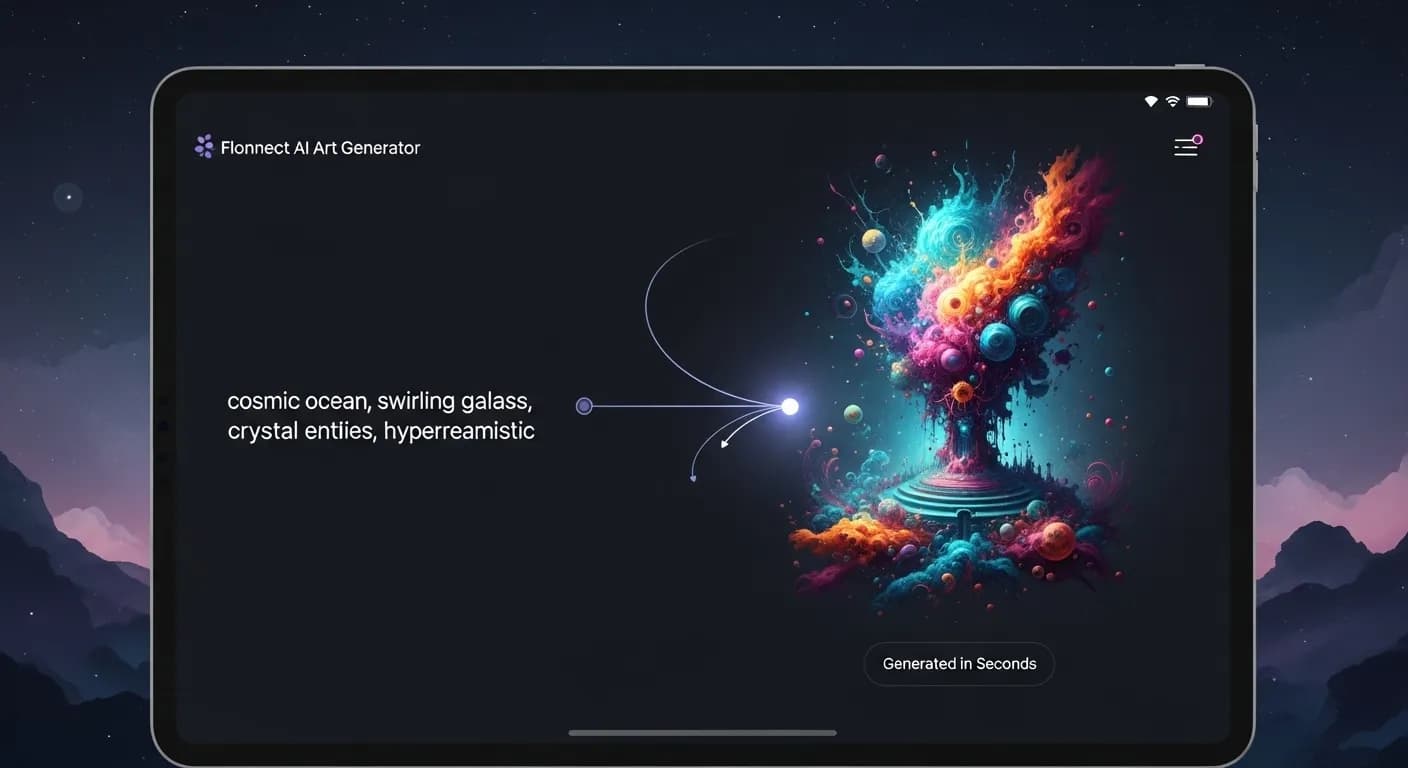
Edit by prompt
Just ask. The AI does the editing.
Type what you want in the editor's AI chat. The agent picks the right tool, applies it to your timeline, and you can undo or keep refining in plain words.
Tools the agent can use
- Generate assets
- Choose a model
- Colour grade
- Auto reframe
- Remove background
Create an illustration of a fox reading in a library.
Generate assets — AI image added to your project
Give it a softer, film-like colour grade.
Colour grade
Crop it for a square post.
Auto reframe — smart crop for any aspect ratio
AI Generated Artwork from a Written Description

Text to Art
Describe what you want to see and the AI generates an image from it.

Any Style You Can Describe
Ask for a digital painting, an oil painting look, abstract shapes or a 3D render in your prompt.

Choose the Model
In the AI editor, pick which image model generates your artwork.

Restyle Your Own Photo
Upload a photo to the AI image editor and describe the style you want it in.
AI Art Creation for Artists & Designers
Making artwork by hand takes practice and software skills. Flonnect's AI art generator lets you start from words: describe the scene, the mood and the style, and the AI produces an image. Use it for illustrations, social posts, concept sketches or personal projects. Treat the result as a draft, too. Change the prompt, generate again, and keep the version that fits.
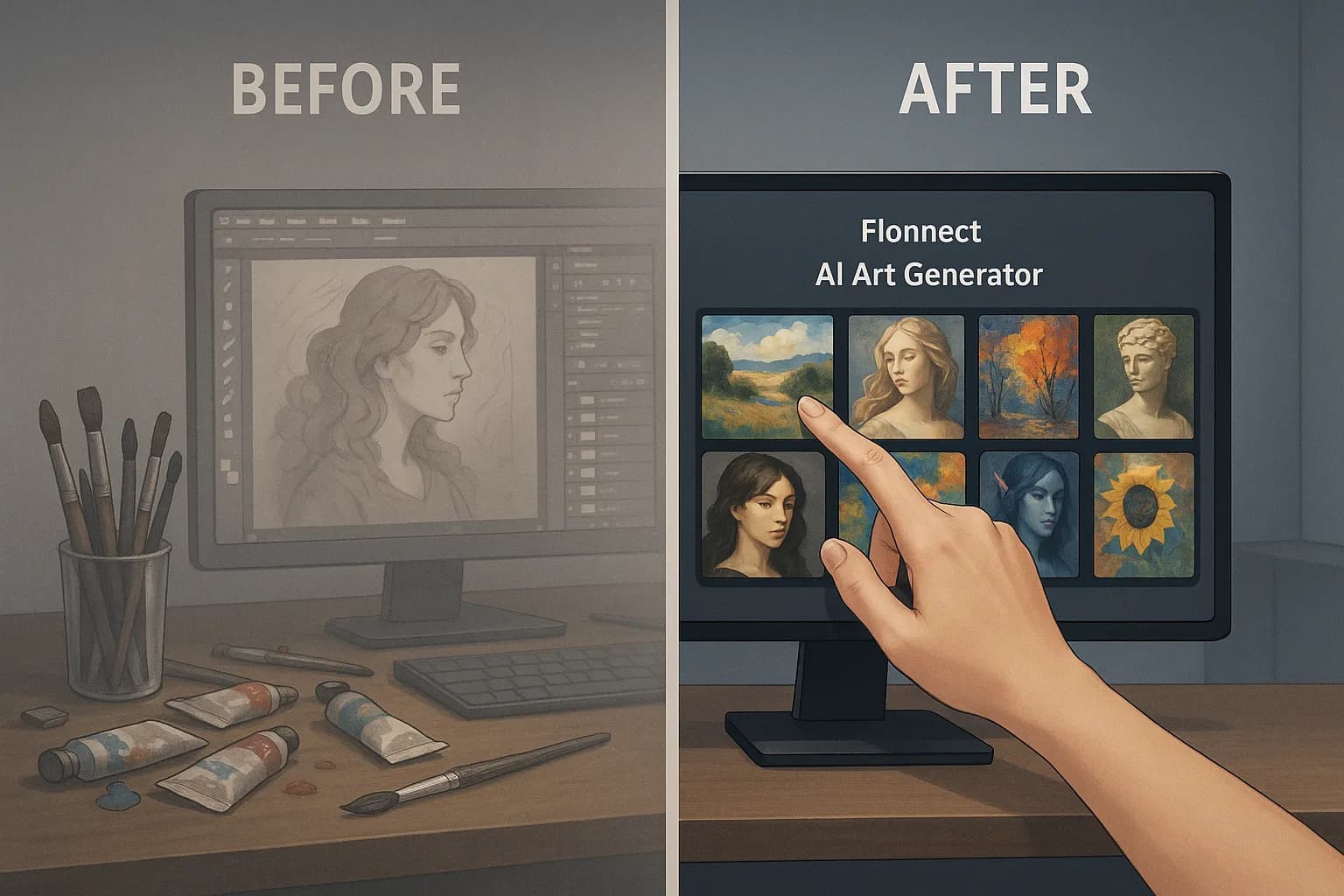
Create Artwork with AI in Three Steps
The free generator on flonnect.com/ai turns a prompt into an image. In Flonnect's AI editor you can generate images with a choice of models and use them in videos.

Describe the artwork: Write the subject, setting and style you want.

Generate: The AI creates an image from your prompt.

Refine or reuse: Adjust the prompt and try again, or bring the image into the AI editor to colour grade it, reframe it or turn it into video.
AI Art Generator for Digital Artists & Illustrators
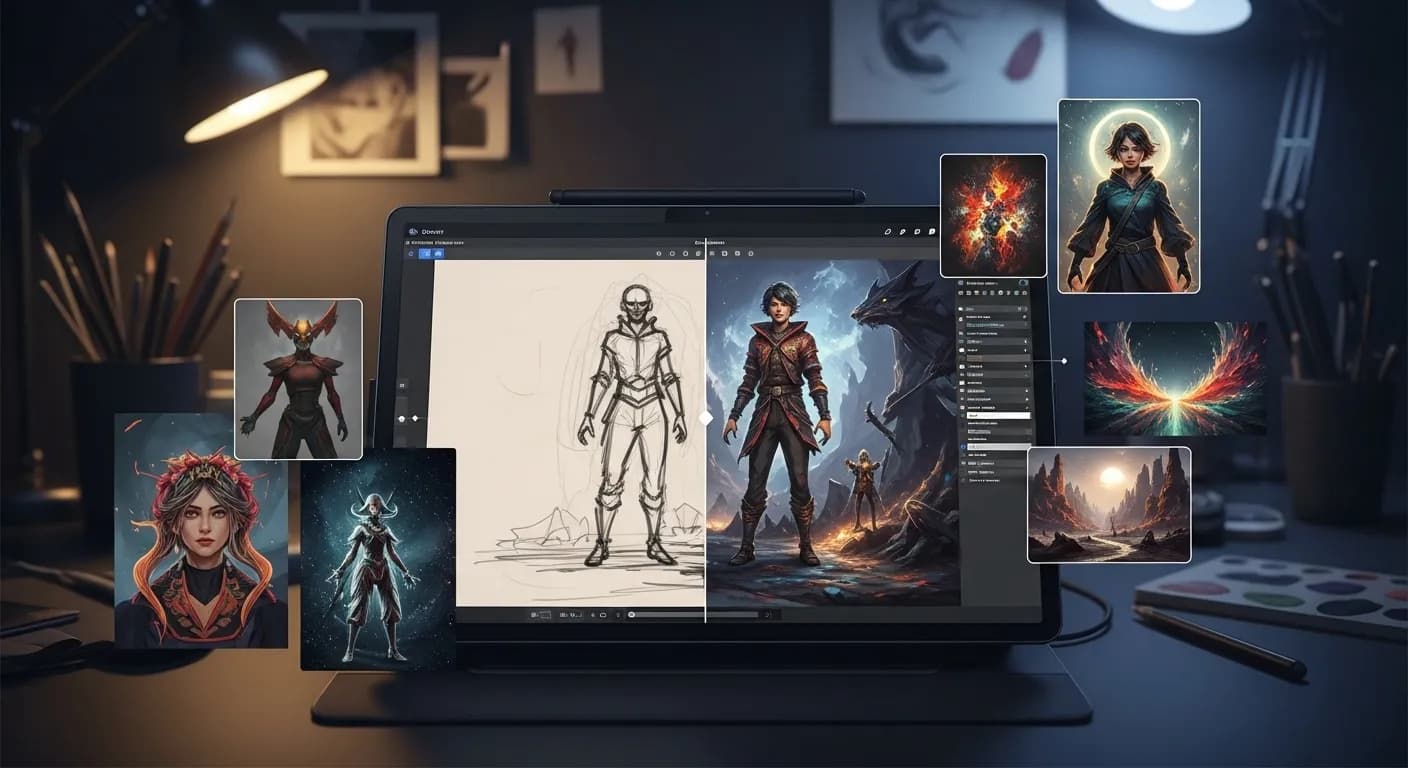
Artists can use the AI art generator to explore concept art, digital paintings and abstract ideas quickly.
- Generate artwork from a descriptive prompt.
- Try the same idea in several styles by changing a few words.
- Use AI images as reference or inspiration for hand-drawn pieces.
AI Powered Art for Marketing & Branding
Marketing teams can create custom artwork for social media and ads instead of reaching for the same stock images.
- Generate artwork for campaign visuals, banners and social posts.
- Describe your brand colours and style in the prompt to keep visuals consistent.
- Turn a generated image into a short clip with image-to-video in the AI editor.
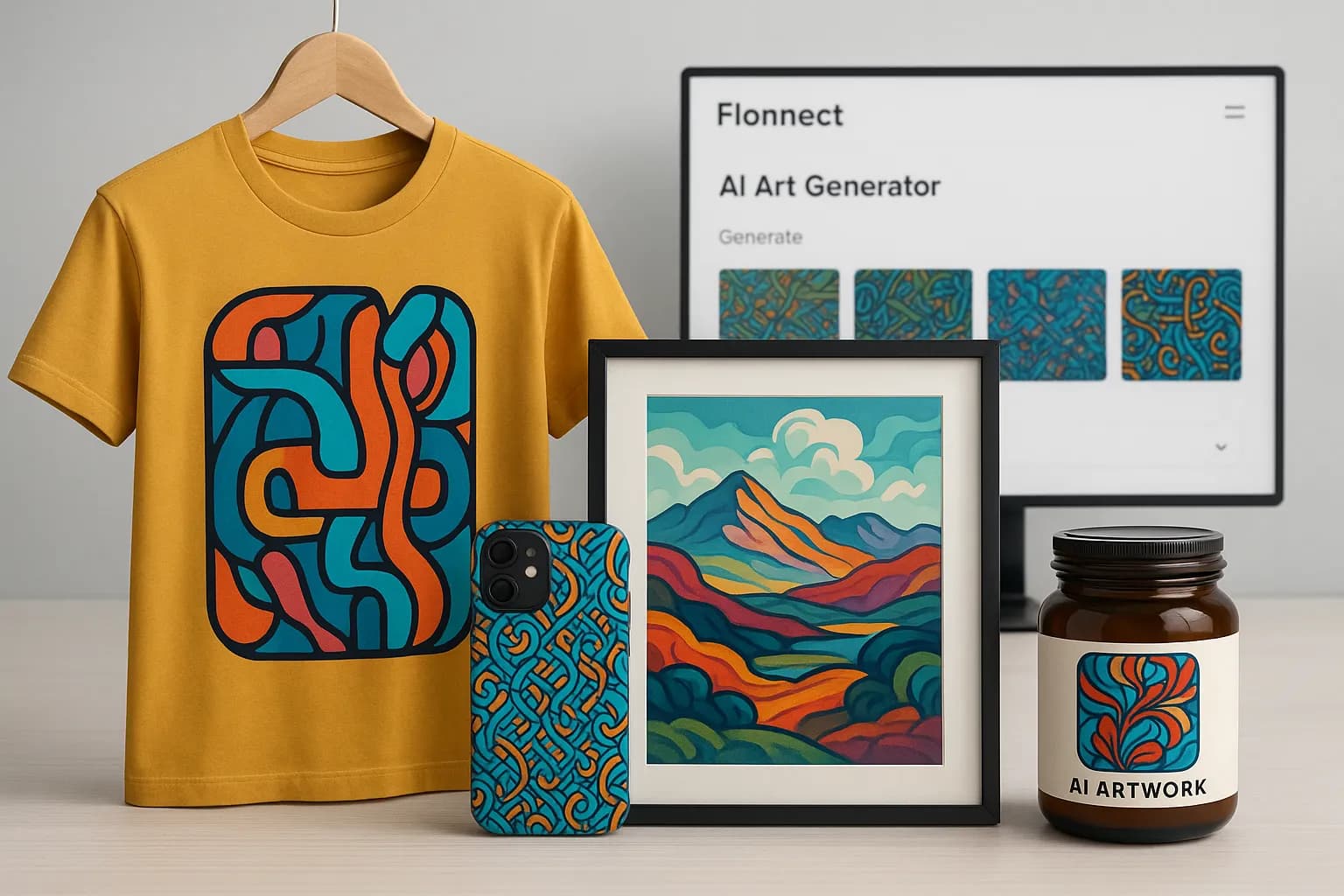
AI Art for E Commerce & Product Design
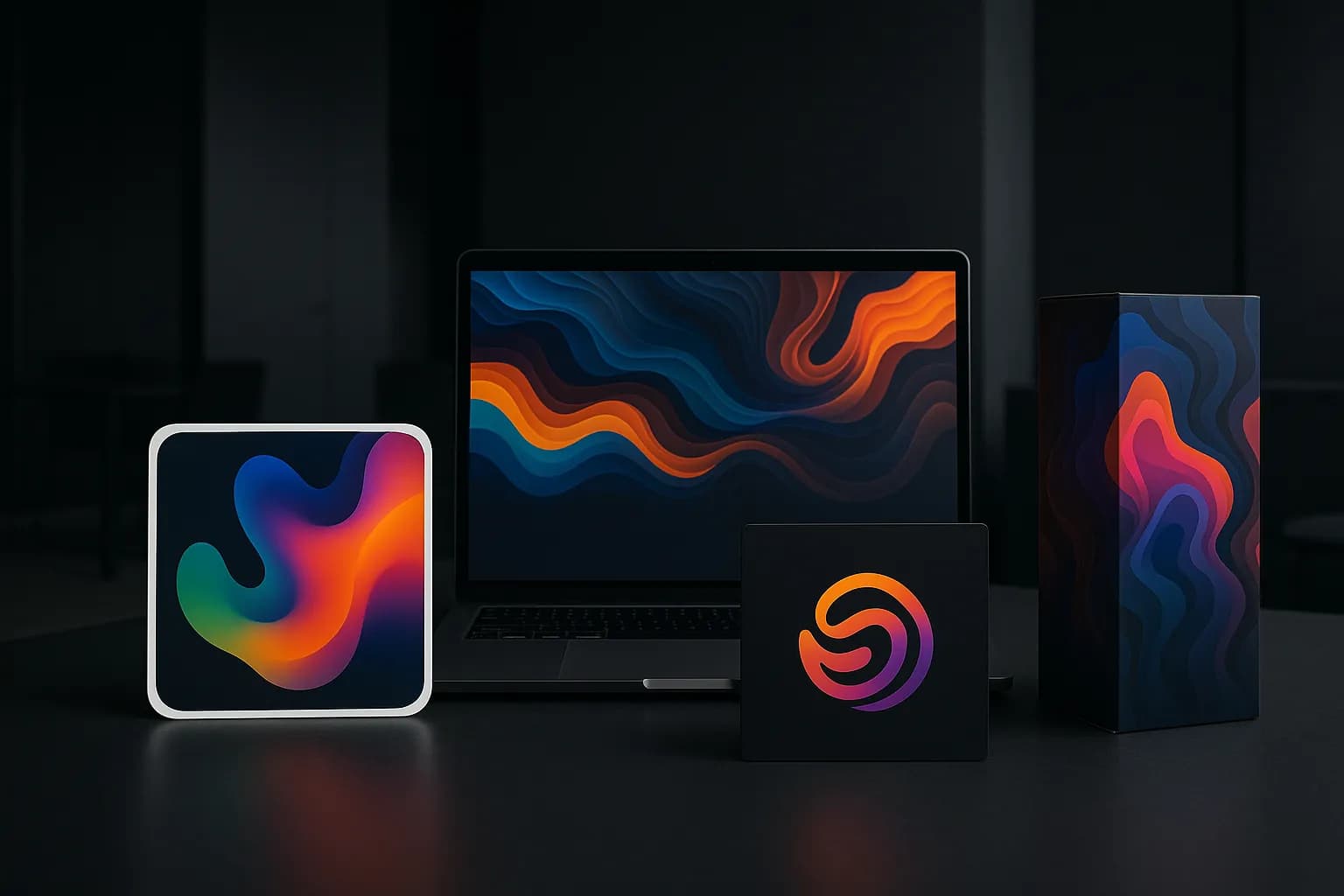
Online stores and product designers can use AI artwork for concepts, promo images and product listings.
- Generate pattern, print and label ideas to test before you design them properly.
- Create artwork concepts for posters, clothing and décor.
- Make promo images for store banners and listings.
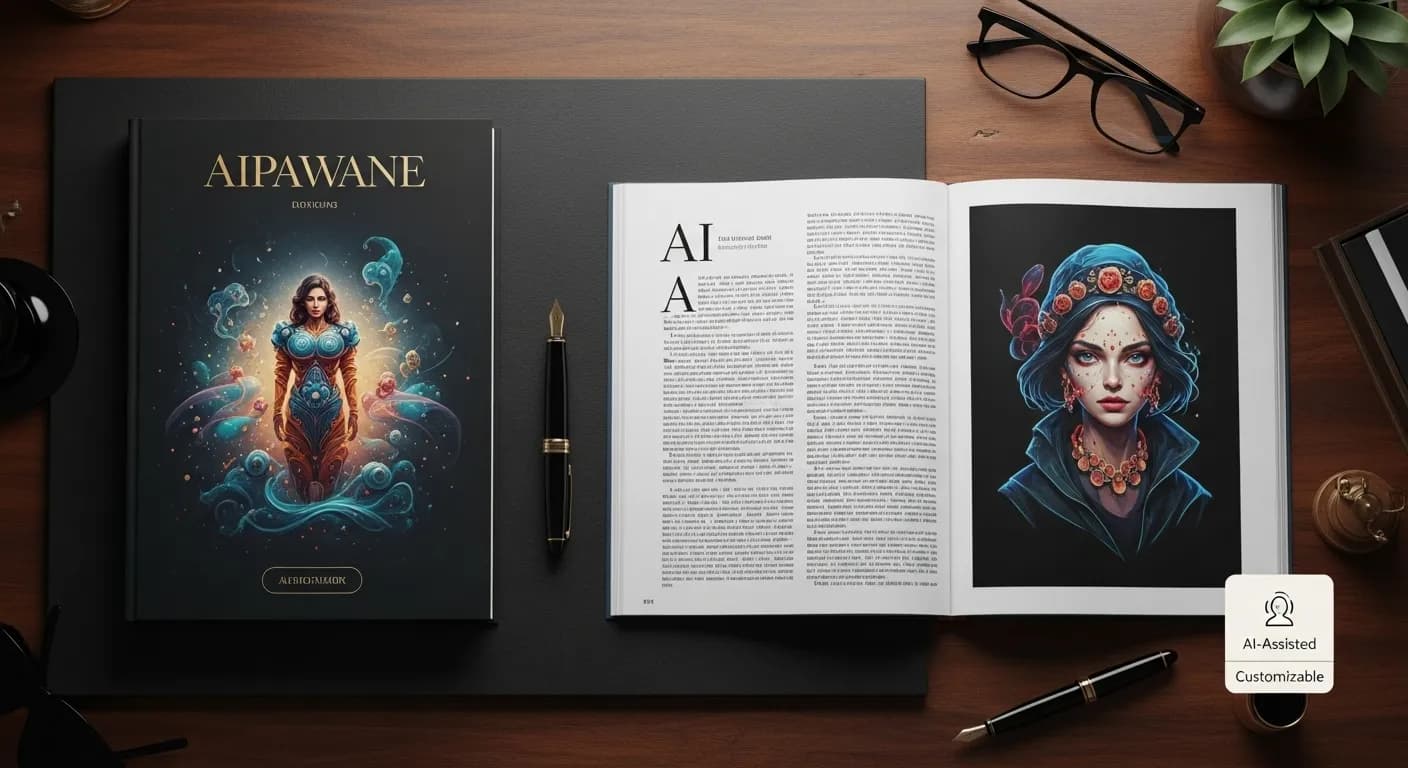
AI Generated Illustrations for Books & Publishing
Authors, publishers and editors can use AI artwork for cover concepts, editorial images and digital publications.
- Draft cover and chapter illustration ideas from a description.
- Create images for blog posts and digital magazines.
- Rewrite the prompt until the image matches the tone of the story.
Flonnect AI Art Generator – Create Digital Art from Text
Flonnect AI Art Generator turns a written description into an image. People need digital art for marketing, social posts, book illustrations and product ideas, but making it by hand takes years of practice and specialist software. With the AI art generator you describe what you want, including the style, and the AI creates it. Ask for abstract, surreal, impressionist or modern digital looks simply by naming them in the prompt.
The prompt is how you control the result. Describe the subject, the setting, the colours and the style, and the AI builds an image from that. Instead of searching stock libraries for something close enough, you get an image made from your own description. That is useful for campaigns, storytelling, ads and one-off design projects.
Businesses and marketers can generate artwork for social posts, ads and campaign visuals without commissioning every image. Mention your brand colours and style in the prompt to keep visuals consistent. You can produce several options quickly and choose the one that fits the message.
Creators can use AI art to give their profiles and posts an original look. Generate an image for a post, then bring it into Flonnect's AI editor to add text, reframe it for a different platform, or turn it into a short clip with image-to-video.
For e-commerce, AI art is a quick way to try ideas for packaging, promo banners, prints and patterns. Generate a few concepts, decide which direction works, and then finish the design. For product photos themselves, use your real photos and edit them with Flonnect's AI photo editor.
Writers and publishers can draft cover concepts, chapter illustrations and editorial images from a description of the story. Rewrite the prompt until the image matches the tone you want, then refine it or hand it to an illustrator as a reference.
Designers and digital artists can use the AI art generator as a starting point. Explore styles, compositions and colour palettes quickly, then take the strongest idea into your usual design software and develop it further.
The free AI image generator on flonnect.com/ai turns a prompt into an image. Flonnect's AI editor at app.flonnect.com/create goes further: generate images with a choice of models, edit them with colour grade or auto reframe, animate them with image-to-video, and ask the AI agent for changes in plain words. If you can describe the picture, Flonnect AI Art Generator gives you a first version to work from.
One AI Art Generator, Any Idea You Can Describe
Generate artwork from a prompt, then edit it and use it in videos in Flonnect.
No credit card required • Free forever plan available